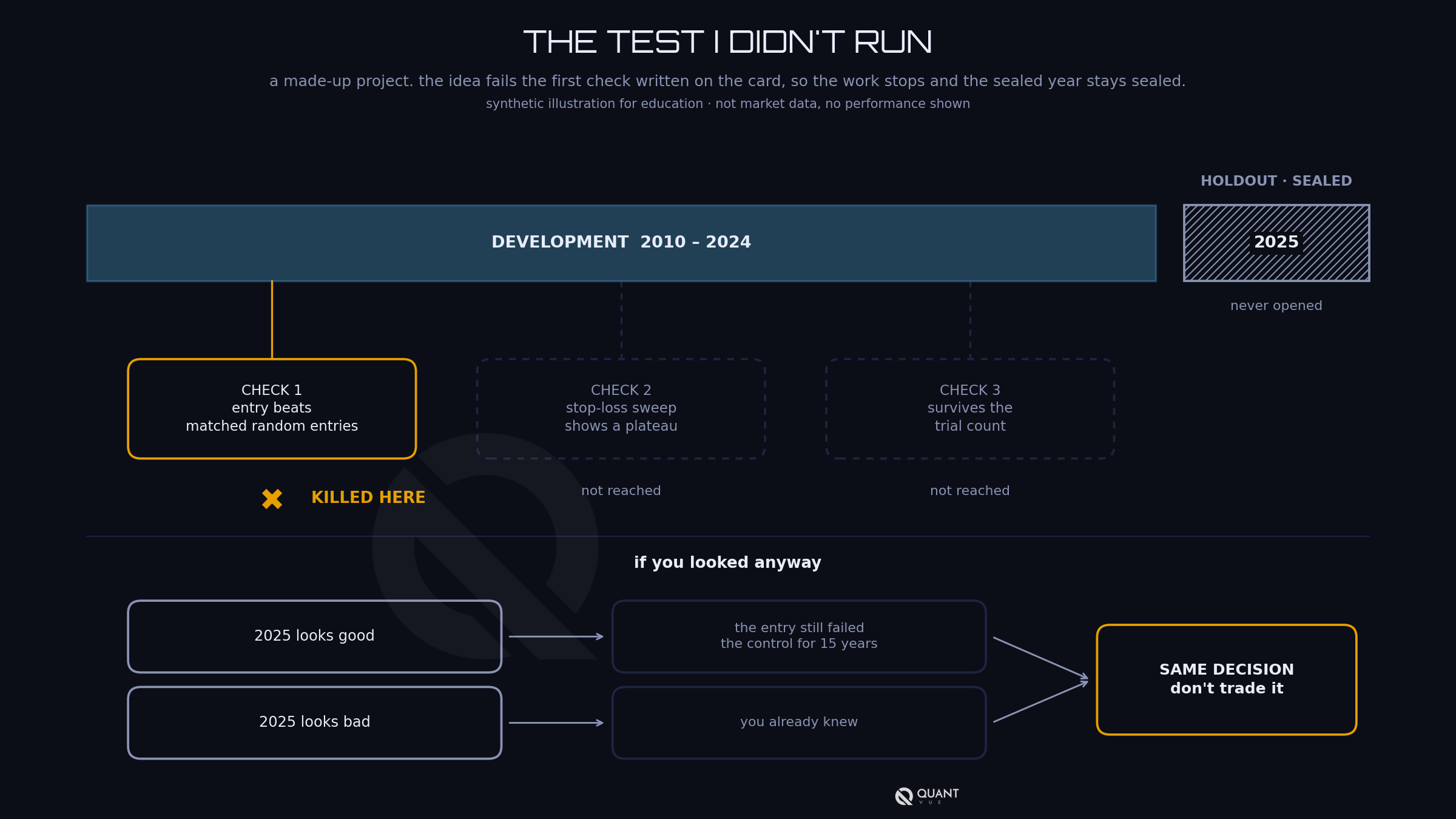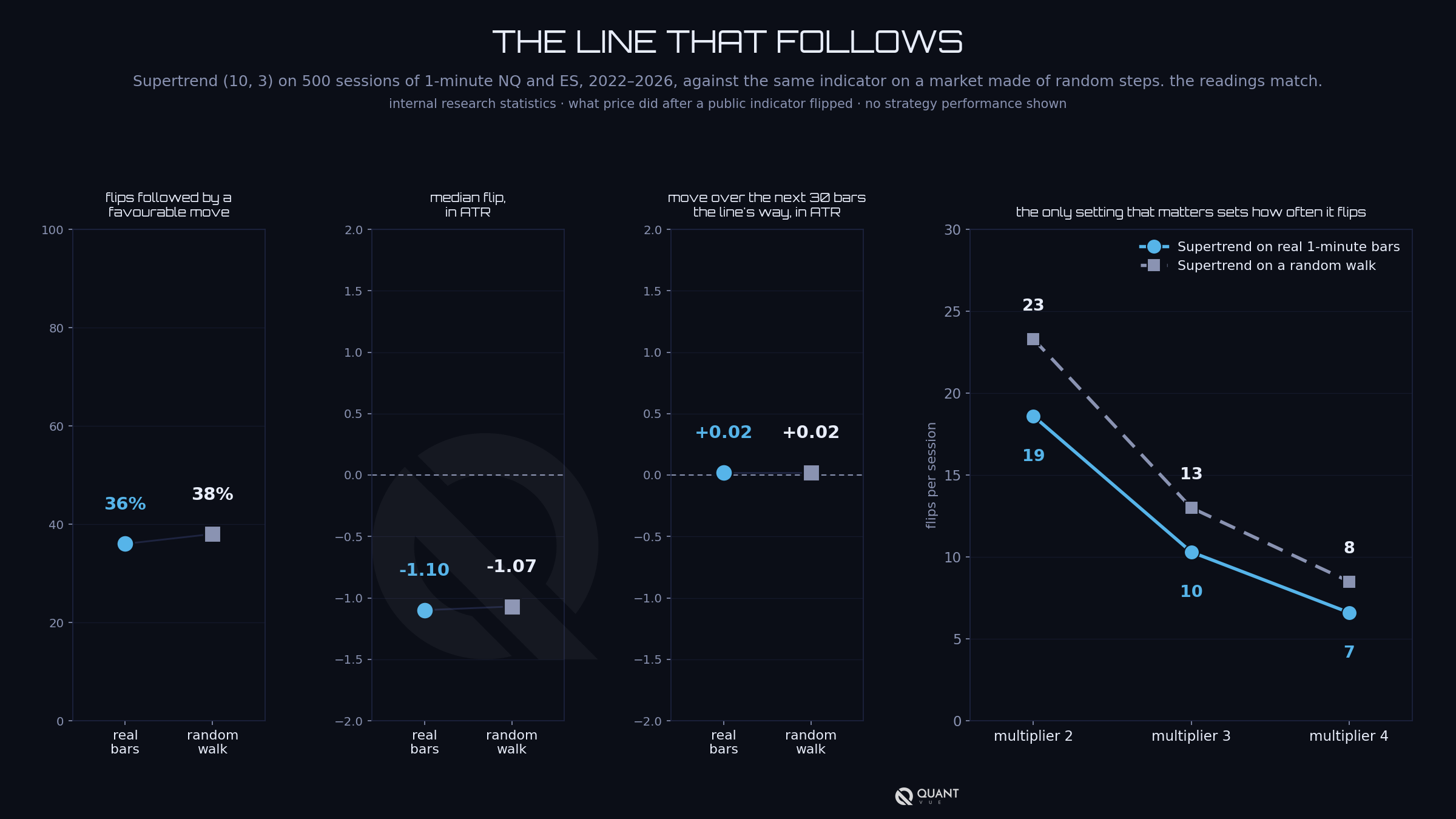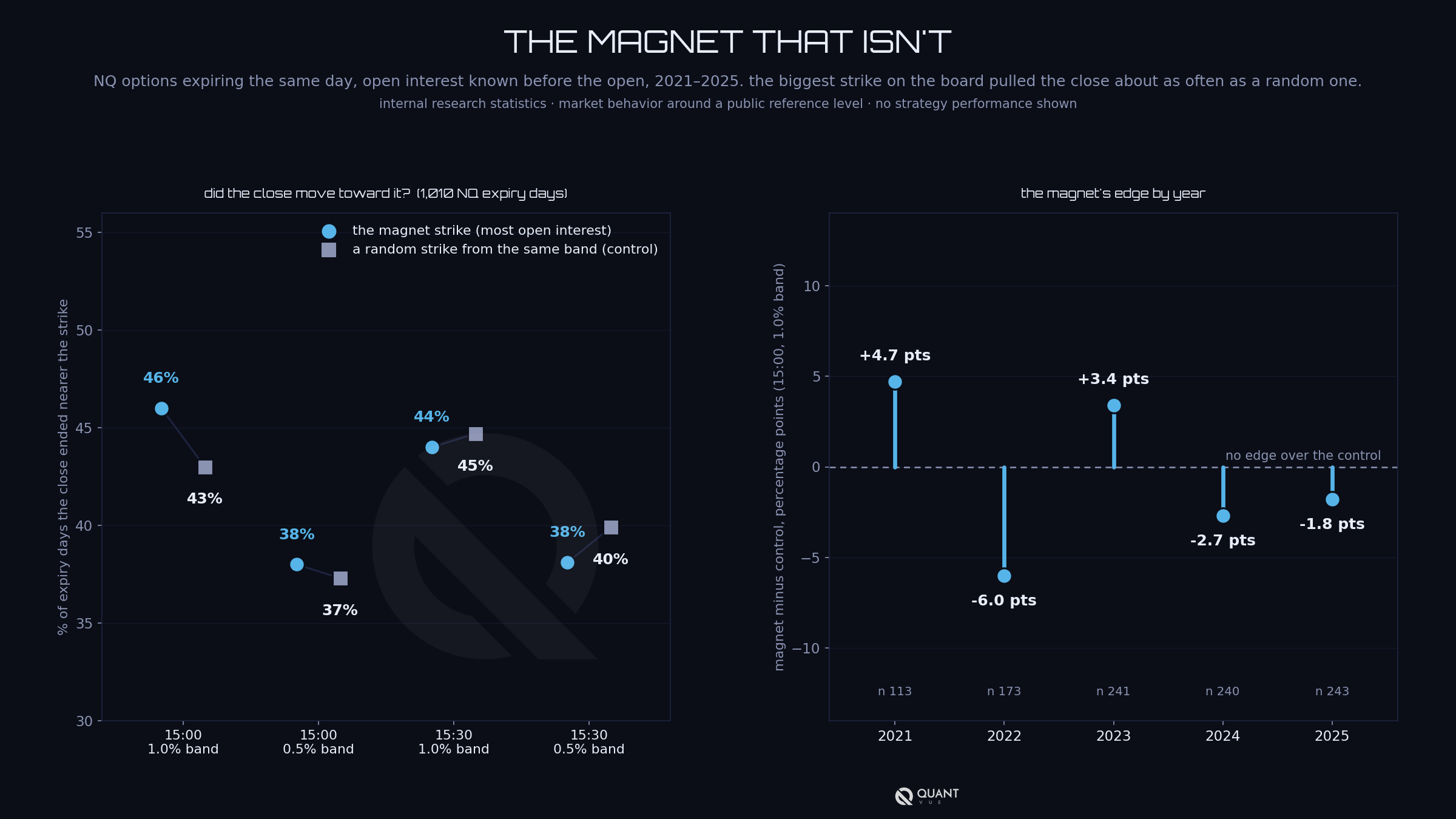


Last week we said never shuffle time. The grown-up version of that rule is walk-forward: fit on a window of history, trade the next window blind, roll forward, repeat. It respects time and it mimics how you'd actually run the thing. One warning before you touch it: fix the window sizes and the fitness metric before you look at any results. Shopping window configurations until the out-of-sample curve looks good is the same overfitting you were trying to catch, one level up.
Now the subtler problem. Standard k-fold cross-validation assumes your observations are independent. Market data laughs at that. A slow feature (say, a 63-day volatility average) barely changes from one bar to the next, and a label measured over the next hour overlaps the label that starts one minute later. Neighboring samples are near-twins.
Split those twins across the train/test boundary and the model scores well by recognizing a sibling it already met in training. The fix is mechanical. Purge: drop every training sample whose label window overlaps the test block. Embargo: drop a further buffer of training data immediately after the test block, at least as long as your longest lookback. Doing this requires knowing two timestamps for every sample: when the prediction was made and when its outcome resolved. Most pipelines don't carry the second one. Yours should.
One step further and you get combinatorial purged cross-validation: instead of one train/test ordering, test many purged combinations and collect a distribution of out-of-sample paths. One backtest number is a sample of one. A distribution tells you how lucky the good path was, and it feeds exactly the deflation math from Monday's email.
Friday closes the trilogy with the leak nobody instruments: you. Until then, the usual reminder that ATS runs strategies that were put through all of this so you don't have to build the machinery yourself.
This lesson was originally sent to the Algo Creator School email list on July 22, 2026. New lessons go out by email regularly. Join the list at quantvue.io.
Educational content only, not financial advice. Futures trading involves substantial risk of loss and is not suitable for all investors. Individual results vary, and past performance, actual or simulated, does not guarantee future results.


After check out, you will receive a Welcome Email with your login details.
Use these details to Login to our dashboard, where you'll then submit your TradingView or NinjaTrader information.
Access is granted automatically if the form is filled out properly.
If you are having issues with access being granted, please submit a support ticket here.
No. Our core system is designed for those with baseline trading knowledge and live-trading experience. Do not sign up if you're a beginner trader. Intermediate to advanced experience is recommended.
No. There is no algorithm or indicator that can accurately predict with 100% certainty the financial markets.
QuantVue is not responsible for trading losses. Past results are never indicative of future performance. Use QuantVue and trade at your own risk.
Our tools are designed for futures. However, clients can tweak our toolkit to any chart or market.
Most clients use a paid TradingView plan, and the most popular among users is TradingView premium.
You can manage your account in the "My Account" tab or submit a support ticket here and we will process your cancellation immediately!
Our monthly & yearly Pro / Elite plans are backed by a 30-day money back guarantee. If you are not 100% satisfied within 30 days from the time of purchase, you may request a full refund.
Beyond the 30-day period, all sales are final.
The 30 day money back guarantee only applies to first time customers. If you have used our system or had a plan in the past, you are not eligble for a refund. This means if you have used the PRO plan in the past and sign up for ELITE at a later date, you will not be elgible for the refund guarantee and vice versa.
This refund policy does not apply to our ATS program.
See our full refund policy here.
There is a separate money back guarantee for the ATS Program. The ATS refund policy has certain conditions that must be met to receive a full refund.
See our full ATS refund policy here.
The Elite Plan on it's own does not automate into cash or prop firm accounts.
If you want to automate our tools into cash or prop accounts, you can do so via our alert connector QuantLynk here.
Keep in mind QuantLynk is detectable by prop firms, so we recommend using an automation-friendly prop firm.
To automate our tools into prop account undetected, we recommend our ATS Program here.
No. There is no free trial on the ATS program.