
Browse every QuantVue indicator & automated strategy. Filter by platform or plan to find your edge.

Buy & sell alerts with automatic support & resistance, ORB breakout detection, volume exhaustion levels, and a consolidated dashboard overlay.
Get access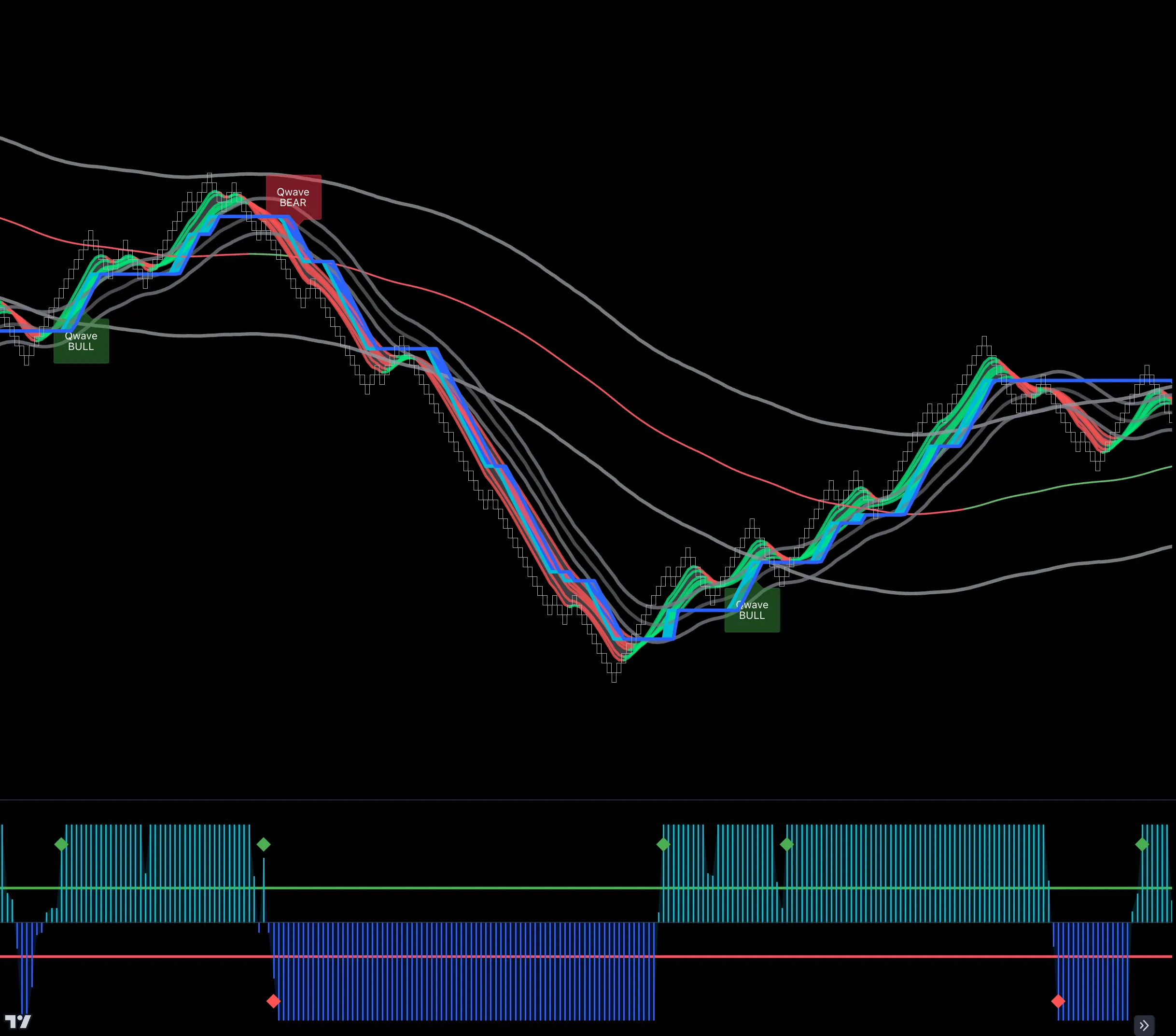
Built renko-first but usable on any candlestick type. Combines the Qbands, Qcloud, Qwave & Qline in one simple indicator dashboard.
Get access
Find optimal entry points on pullbacks and easily add & scale into winning trades.
Get access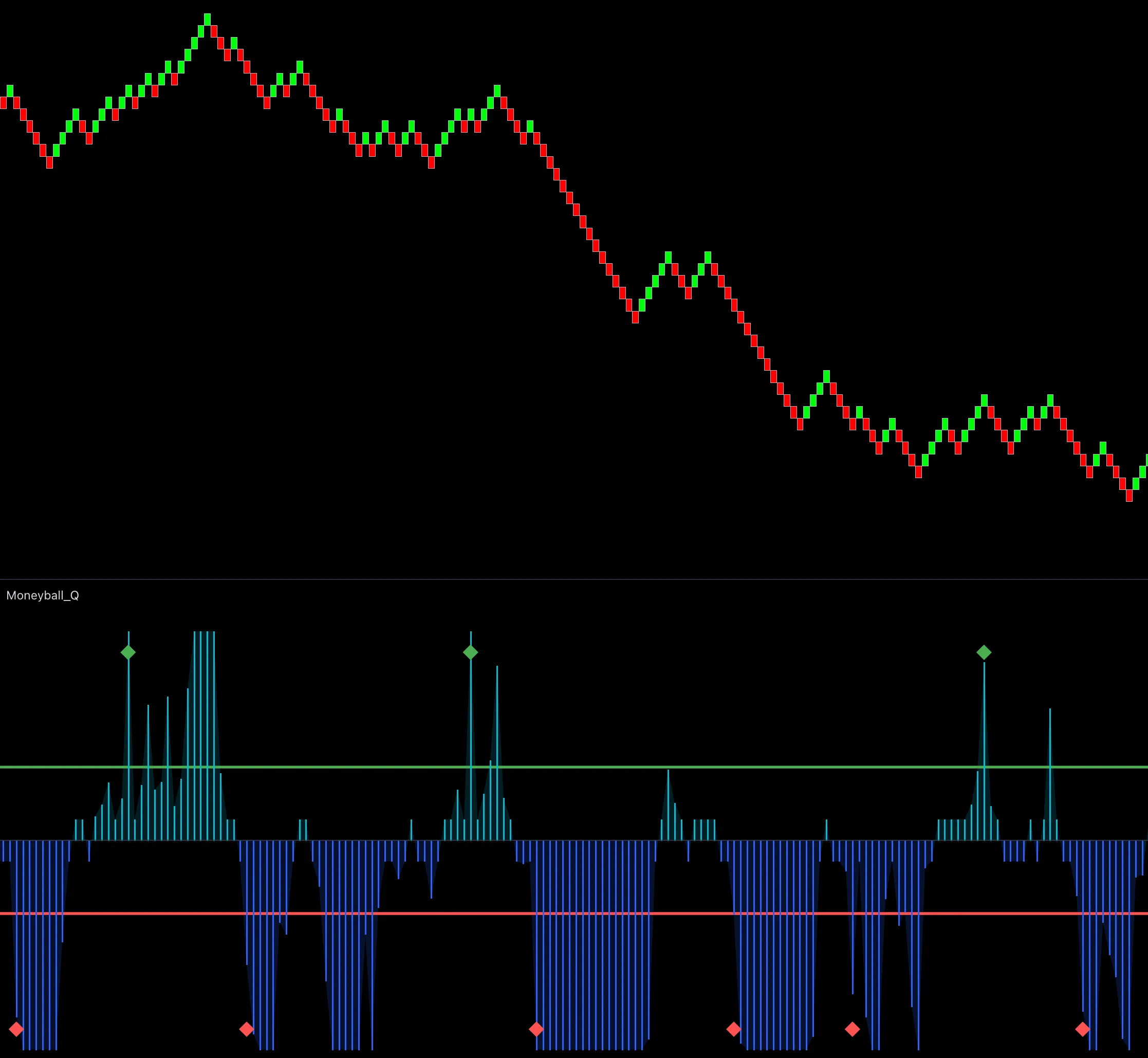
Catch explosive price runs and identify choppy markets with unique sequencing logic.
Get access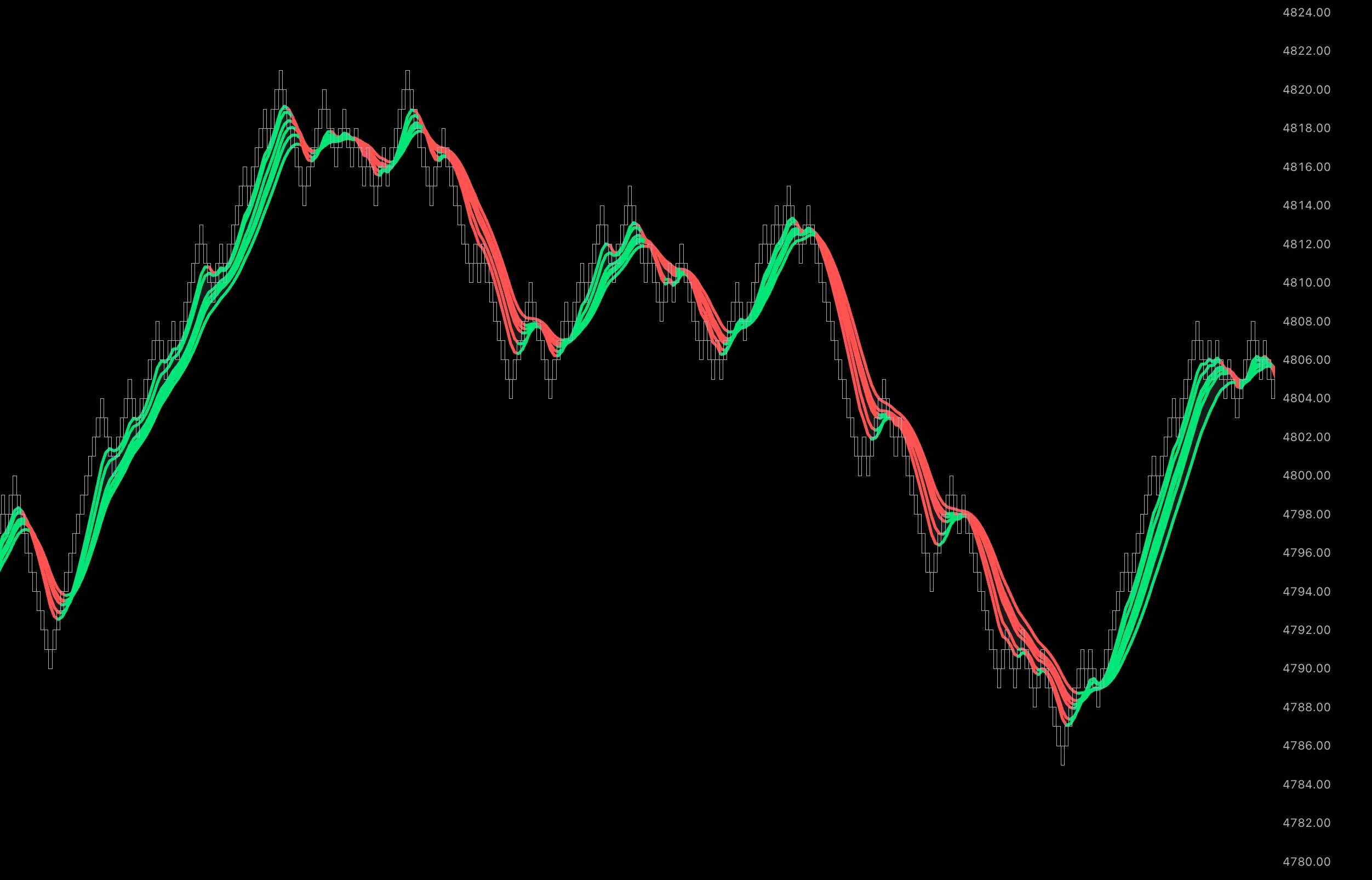
See daily trending price action, get optimal entries on cloud retests, and use cloud flips as entry & exit points.
Get access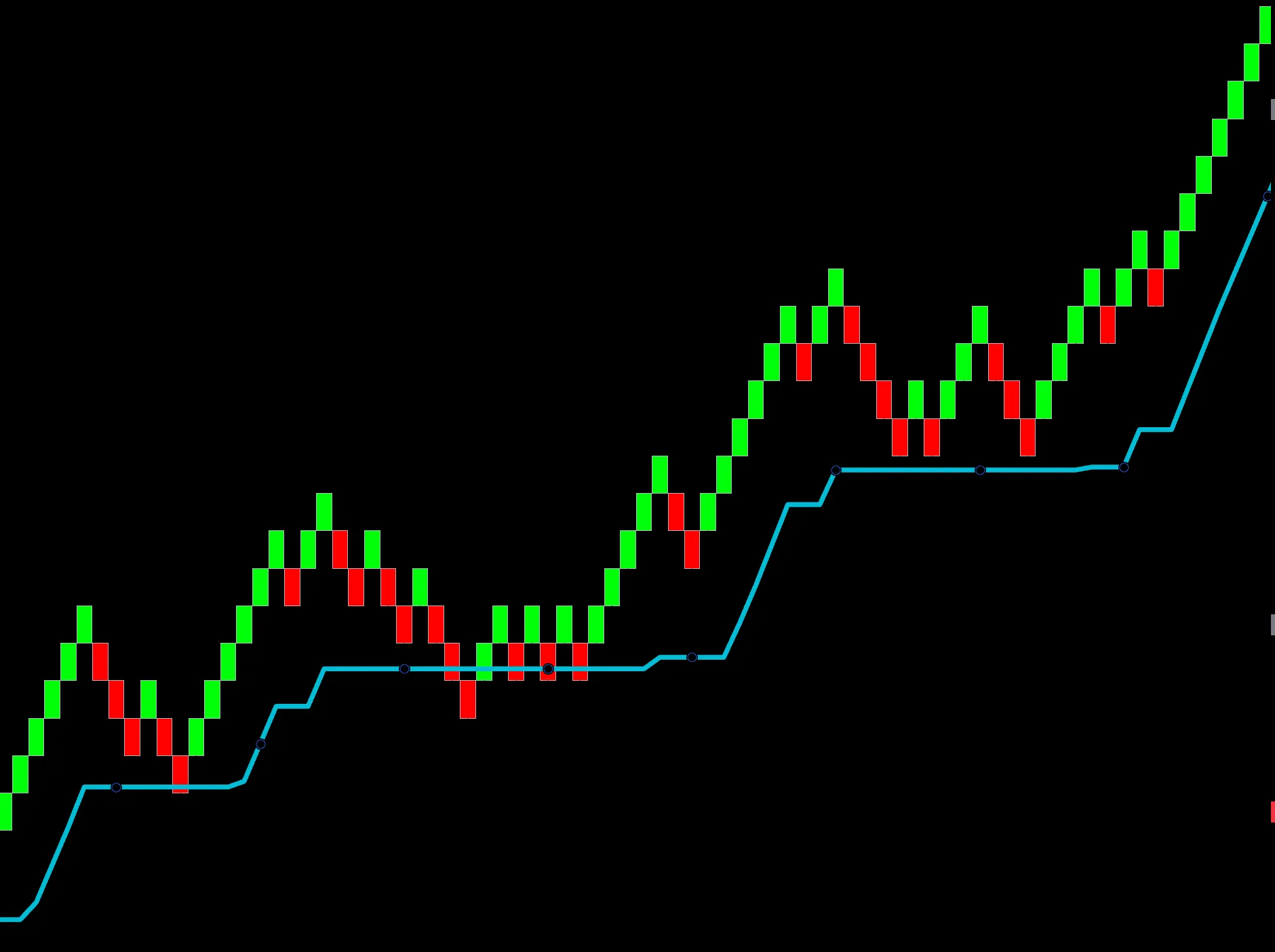
Adaptive trend ribbon for simple level bounces, easy trend detection, and knowing where to take profit.
Get access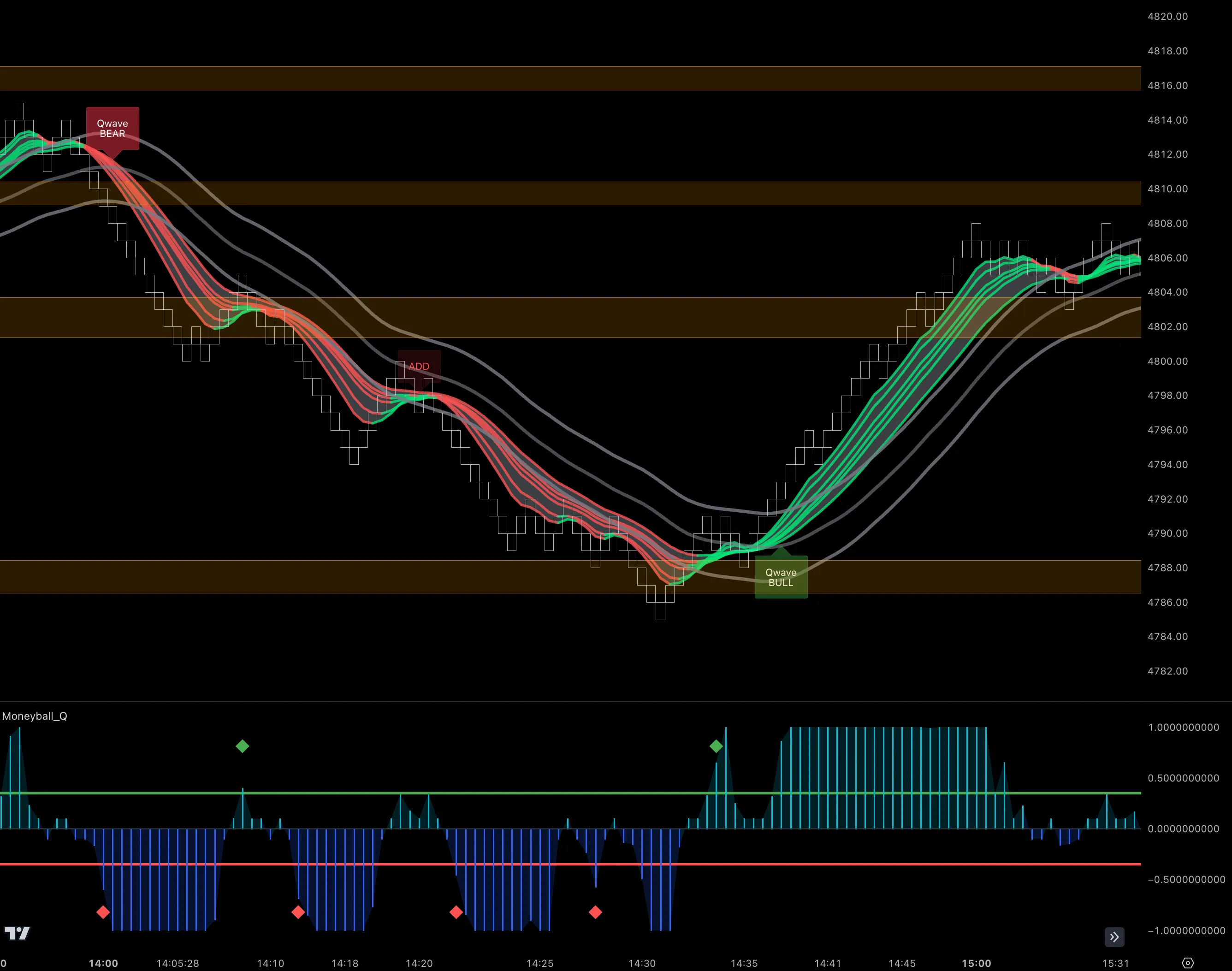
Simple bullish/bearish price alerts with position-adding signals and ideal prop firm settings.
Get access
Adaptive price bands that highlight key reversal points and overstretched price action.
Get access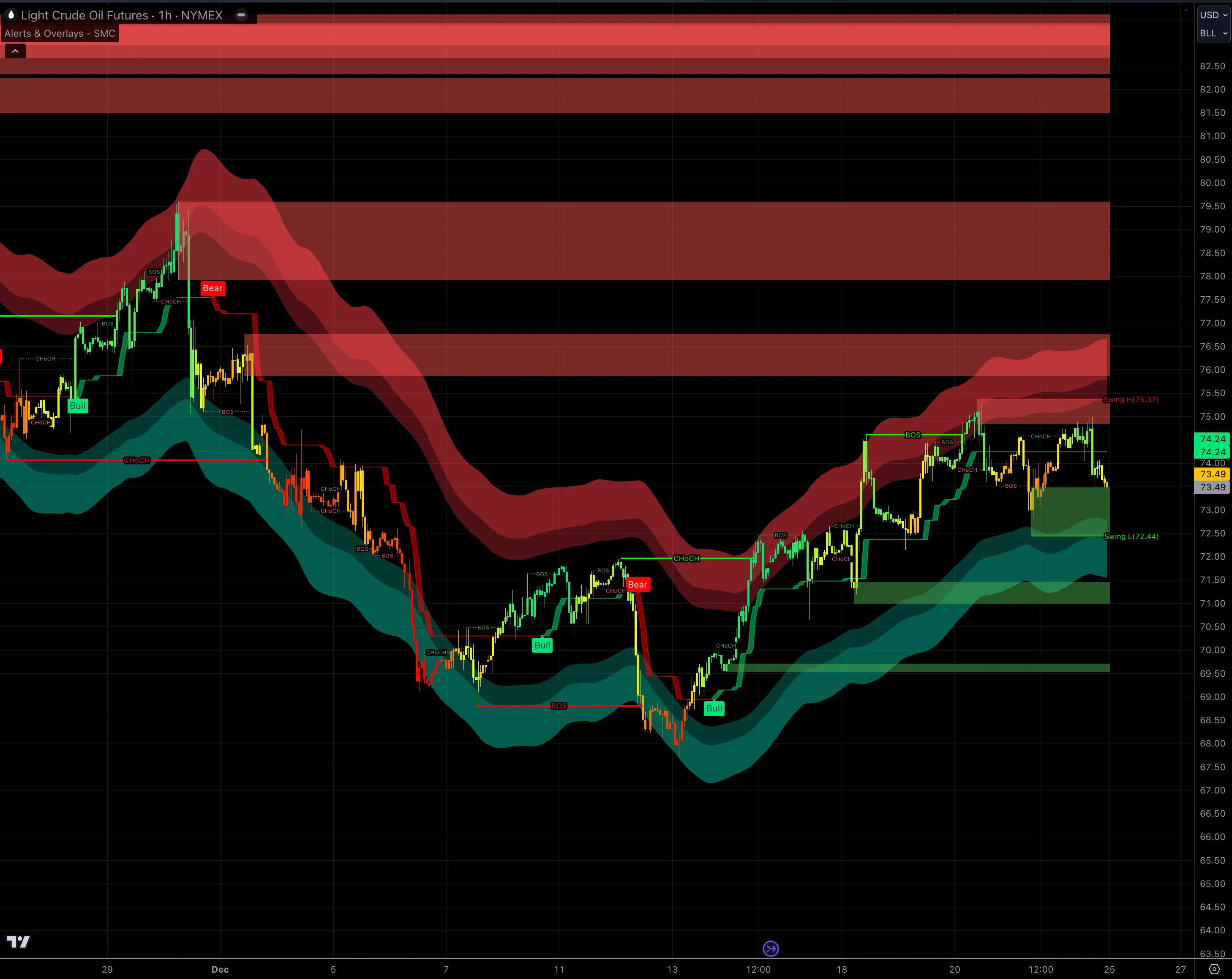
All-in-one SMC toolkit: order blocks, fair value gaps, CHoCH, BOS, liquidity points, swing highs/lows & market sessions.
Get access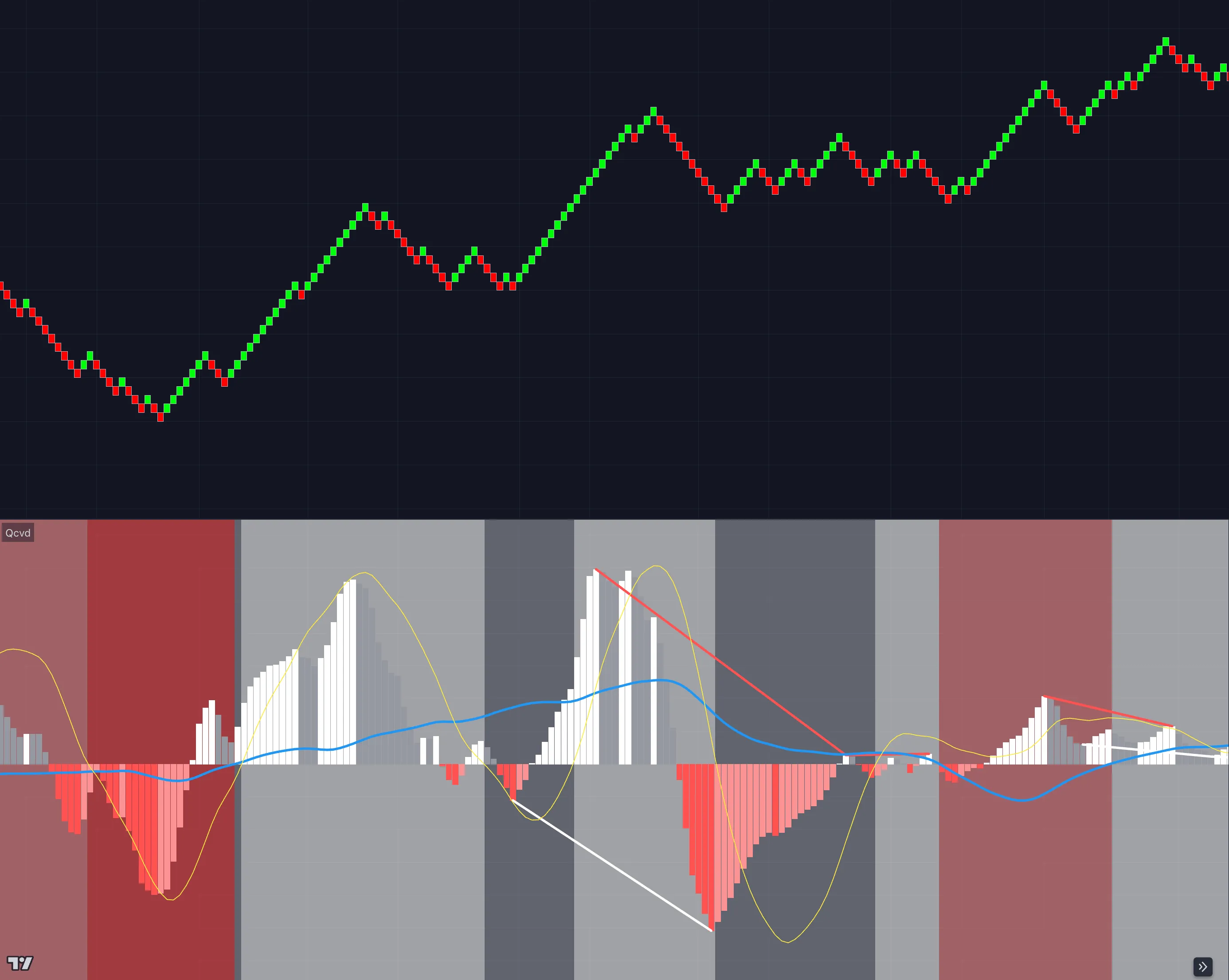
Easily read cumulative volume delta and spot divergences in both price & volume — built for manual traders looking for trend changes.
Get access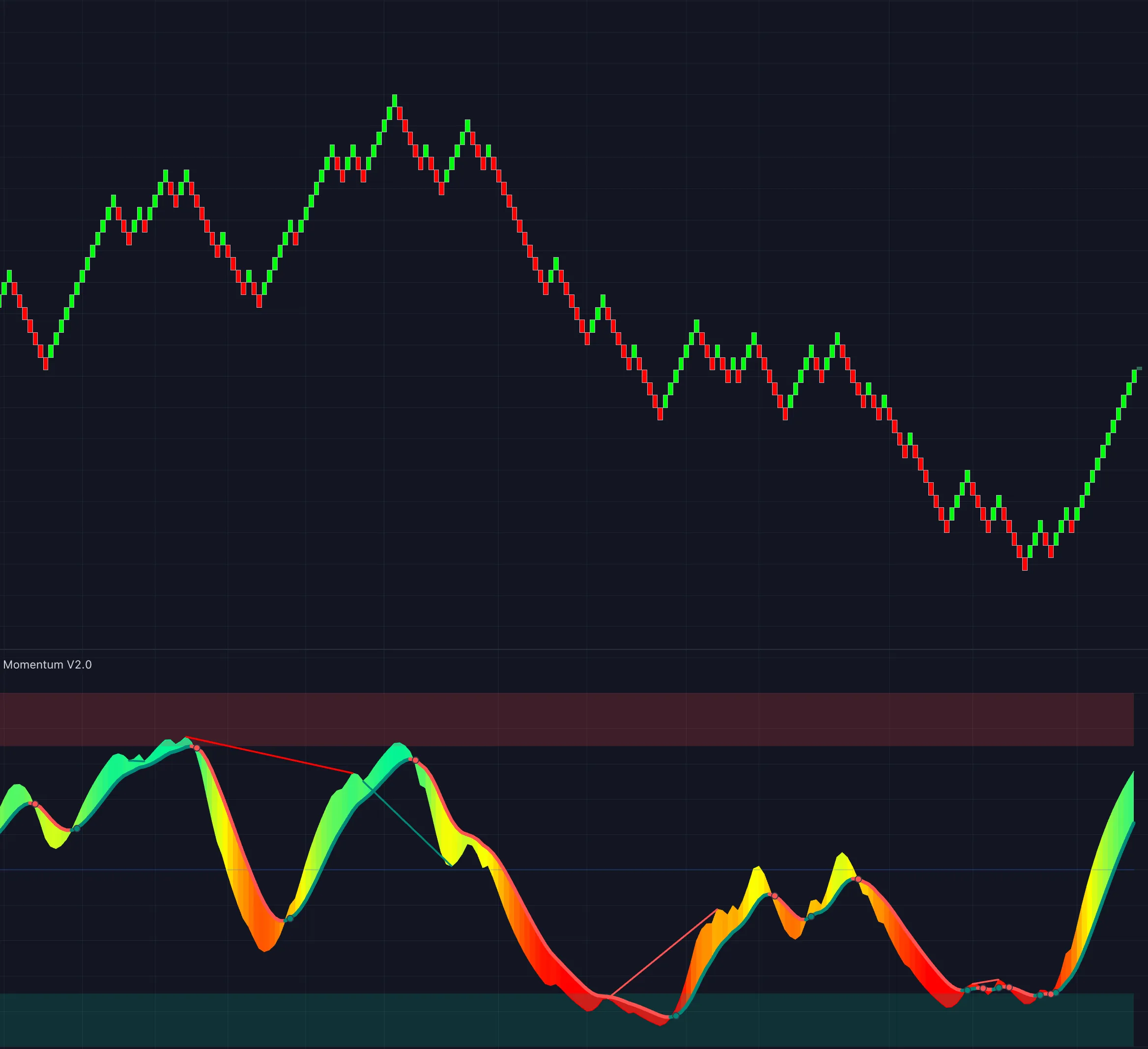
Detect hidden bullish & bearish divergences, add confluence to entries & exits, and identify overbought/oversold areas.
Get access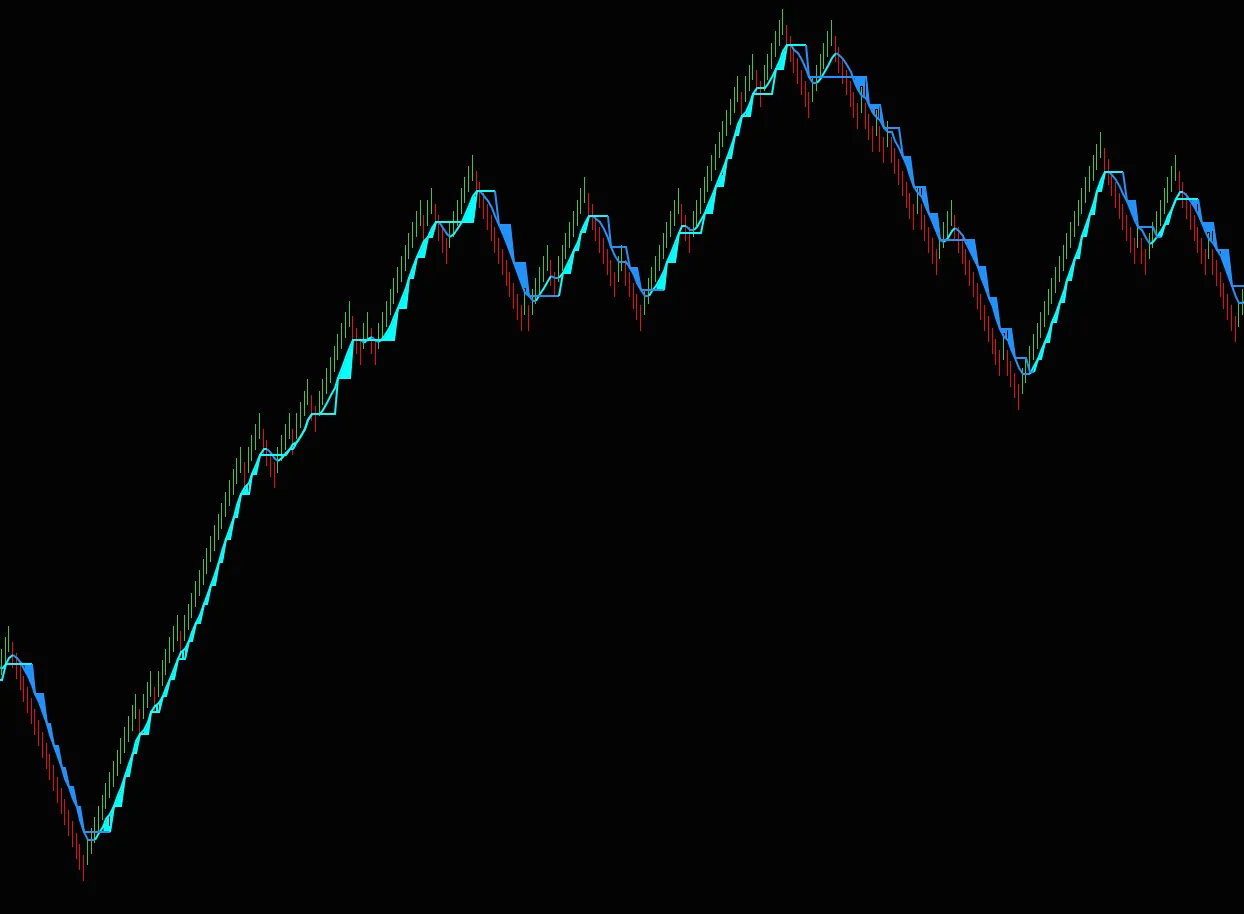
Catch explosive price runs with simple entry & exit points and know exactly when to add to trades.
Get access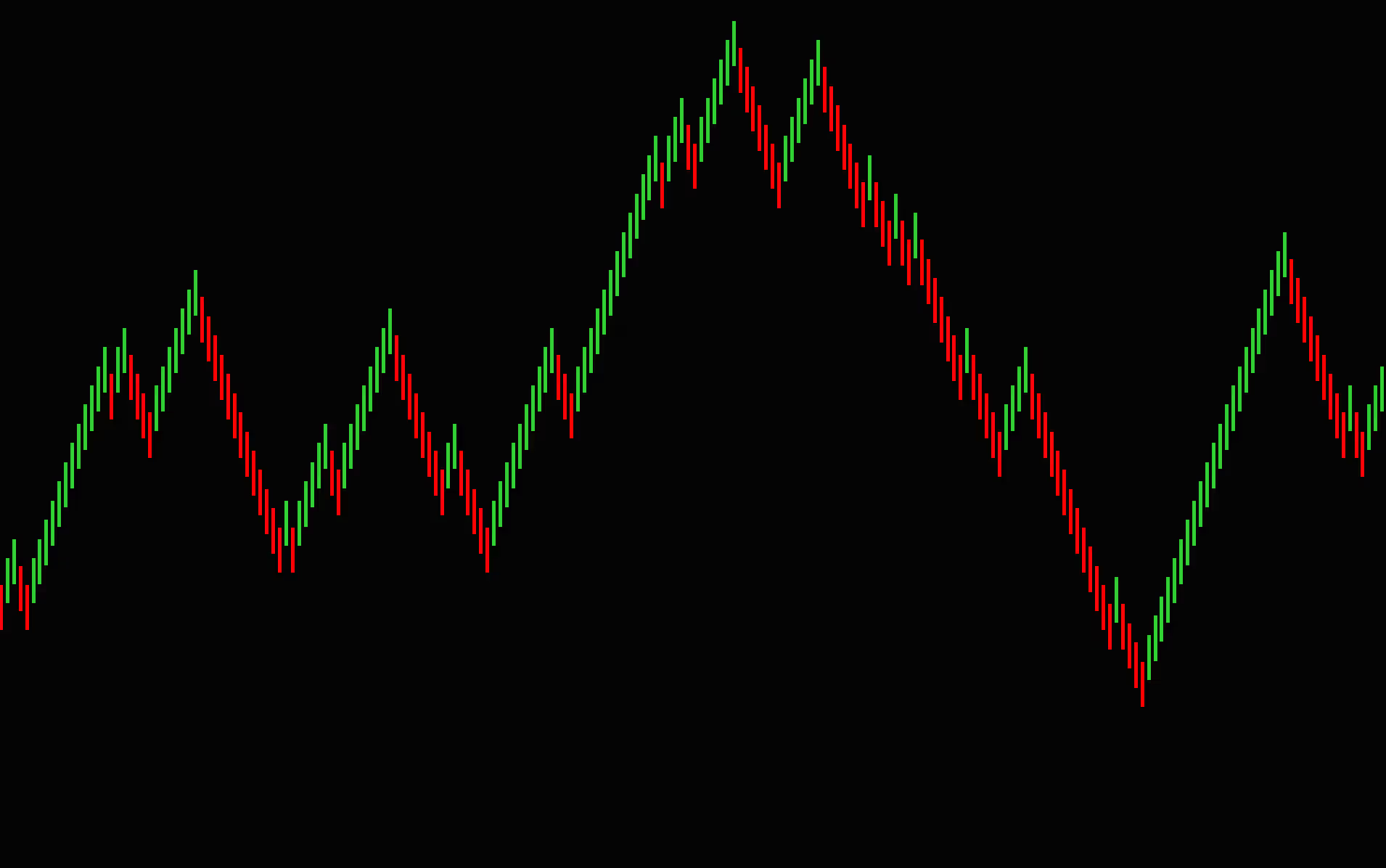
Custom renko bar type with fully customizable box settings — easily spot trending action and catch fast-moving price runs.
Get access
High-probability trend-shift strategy with very selective entry requirements. ATS-exclusive algorithm.
Get access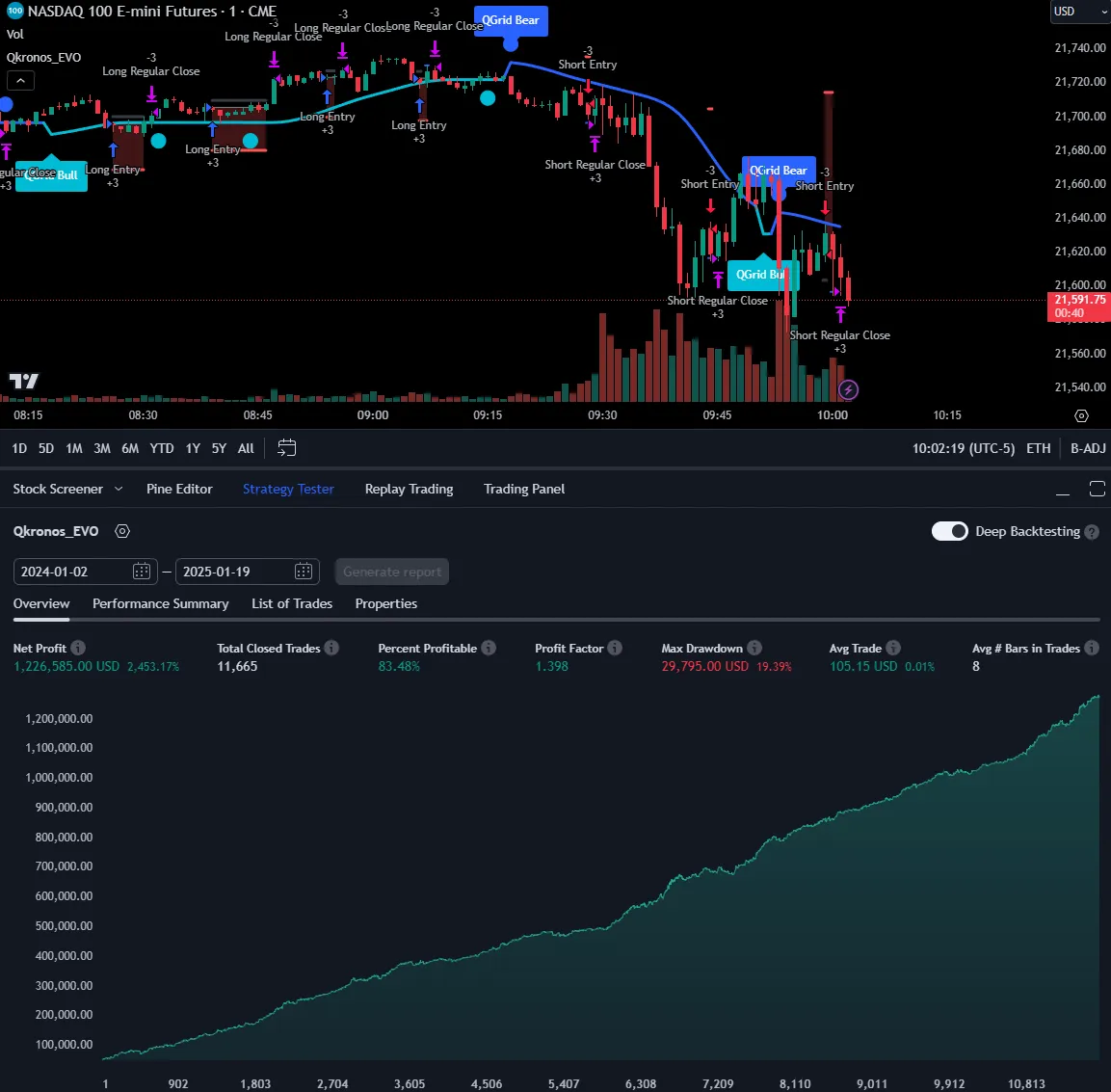
Ultra-fast scalping evolution of Qkronos with built-in Qgrid confluence for higher-probability entries. ATS-exclusive algorithm.
Get access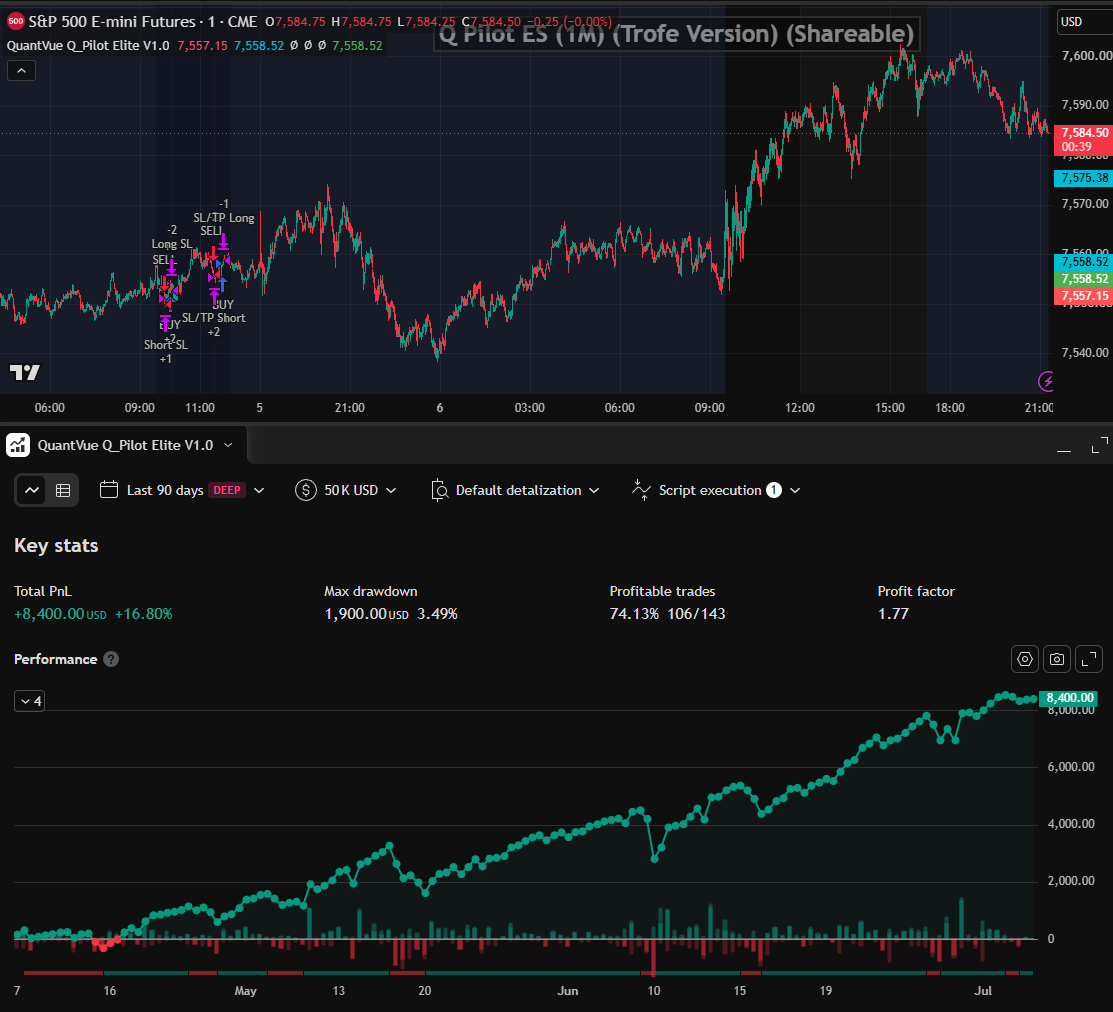
Runs three independent analysis engines — trend direction, momentum & adaptive price behavior — and only enters when all three agree. All three or nothing.
Get access
Automated version of our popular "Ice" setup combining the Qline, Moneyball, Qbands & Qwave — fast entries & exits built for prop firm rules. ATS-exclusive.
Get access
Real-time automatic adjustments based on market trends, preset for the NQ 5-minute chart — fast-scalp or swing with the trend.
Get access
Automated take on our popular "Banksy" manual setup — combines the Qcloud and other strategies for stronger confluence.
Get access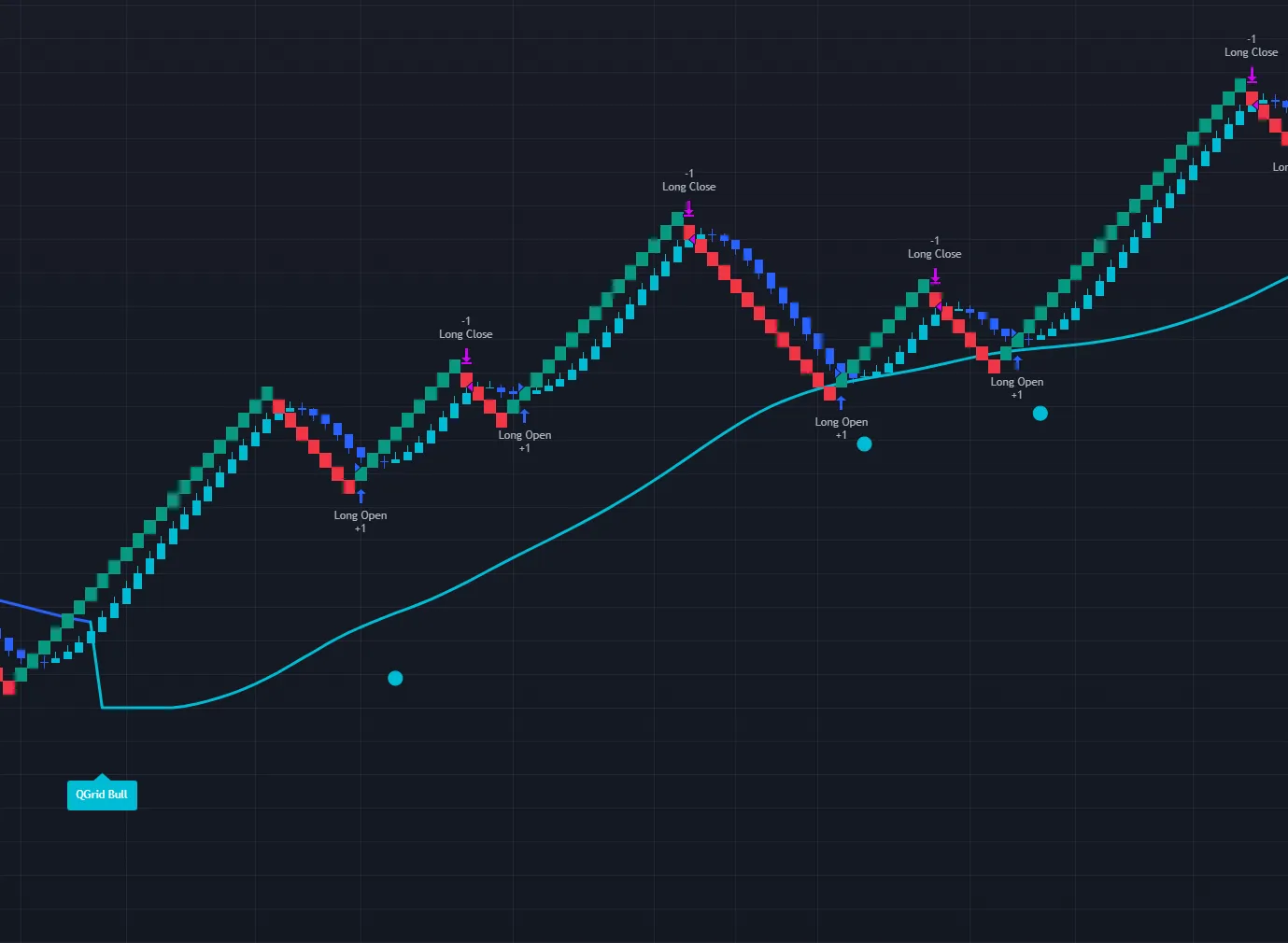
Grid-style scaling strategy built for renko bricks — fast scalps on NQ and other futures markets.
Get access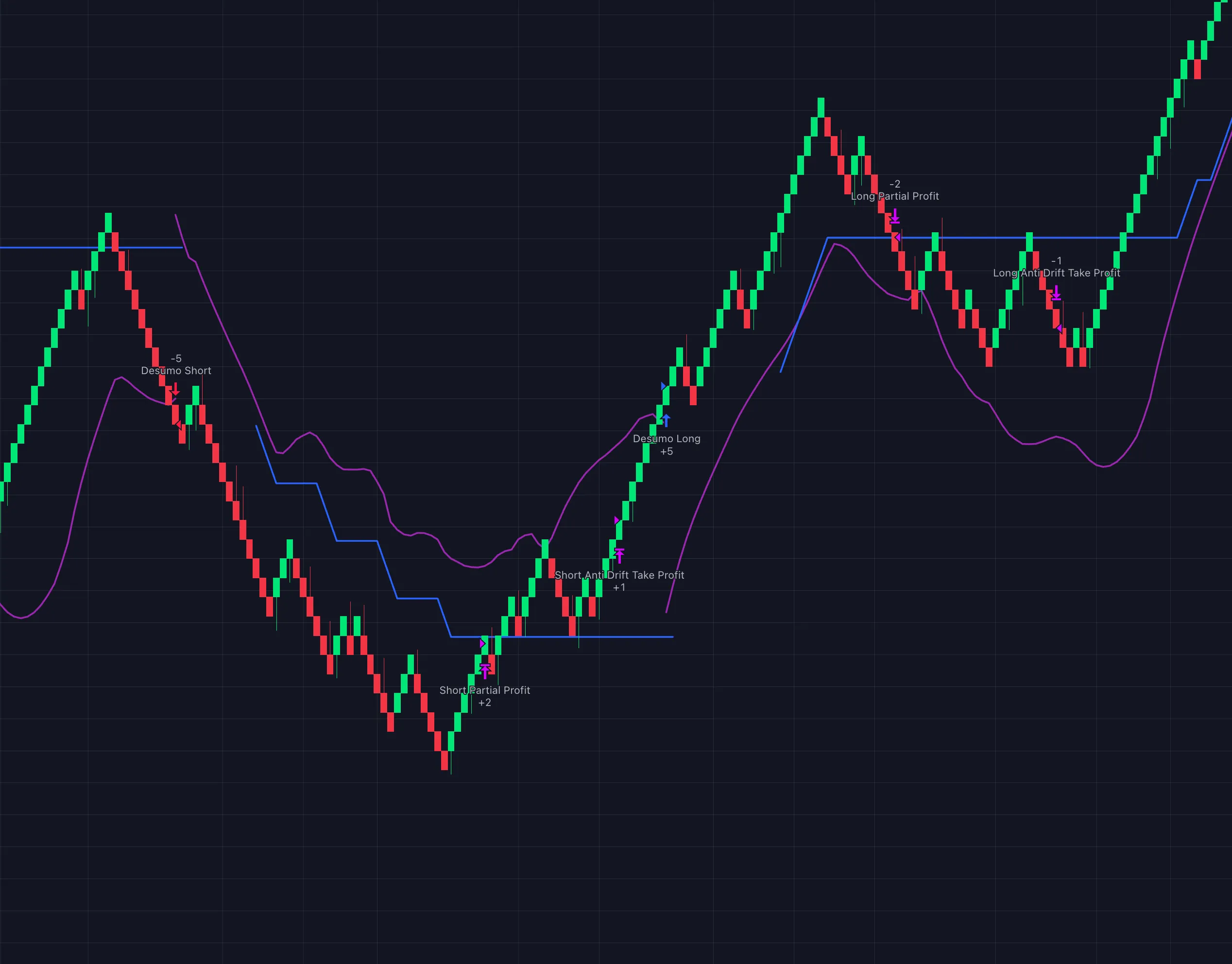
Take advantage of wide-range market swings, detect low volatility to avoid chop, and protect positions with automatic take-profit.
Get access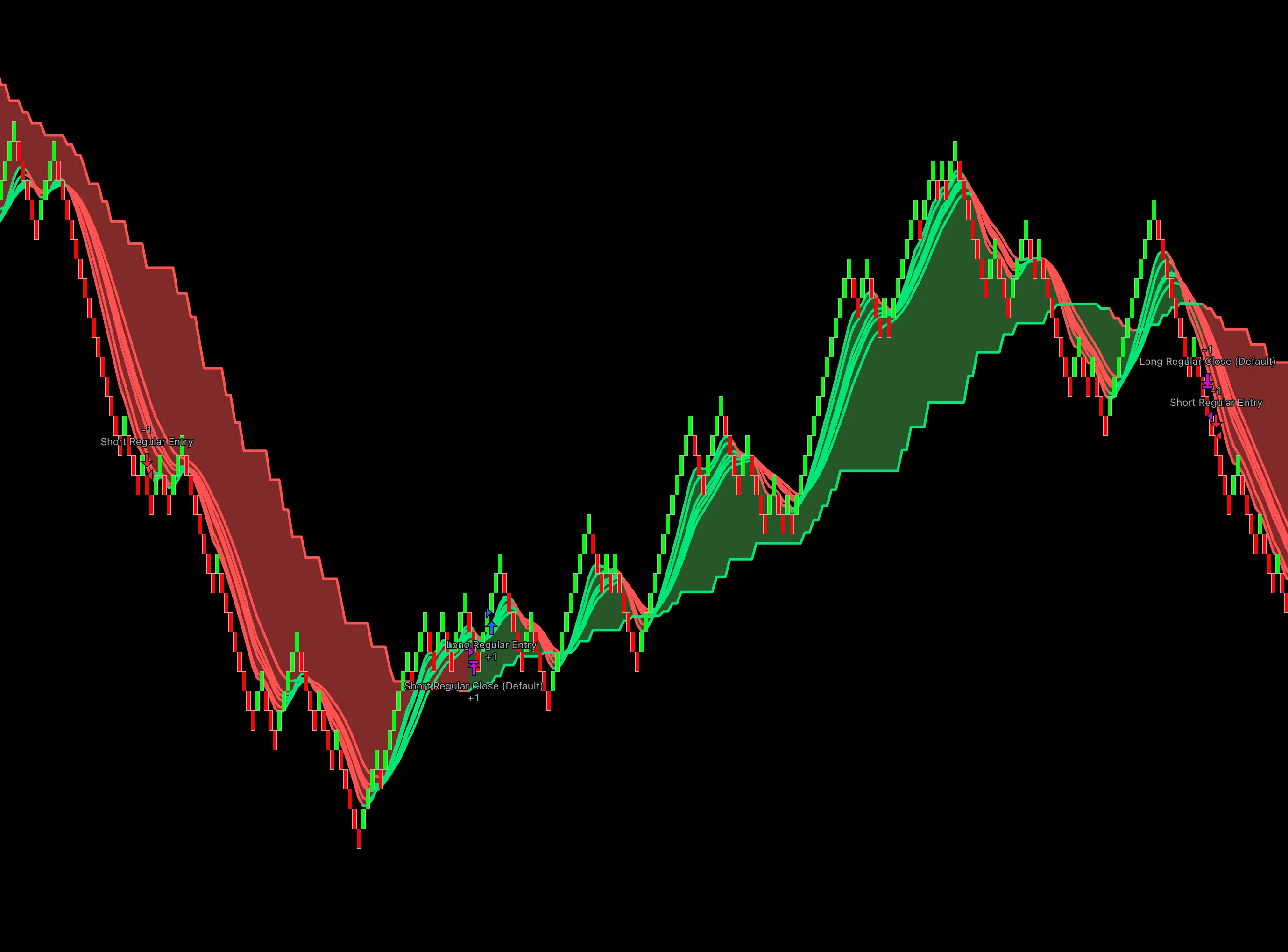
Based on the Qcloud Step-MA indicator — capture trends, exit on reversals, and fine-tune multiple exit parameters. Designed for NQ.
Get access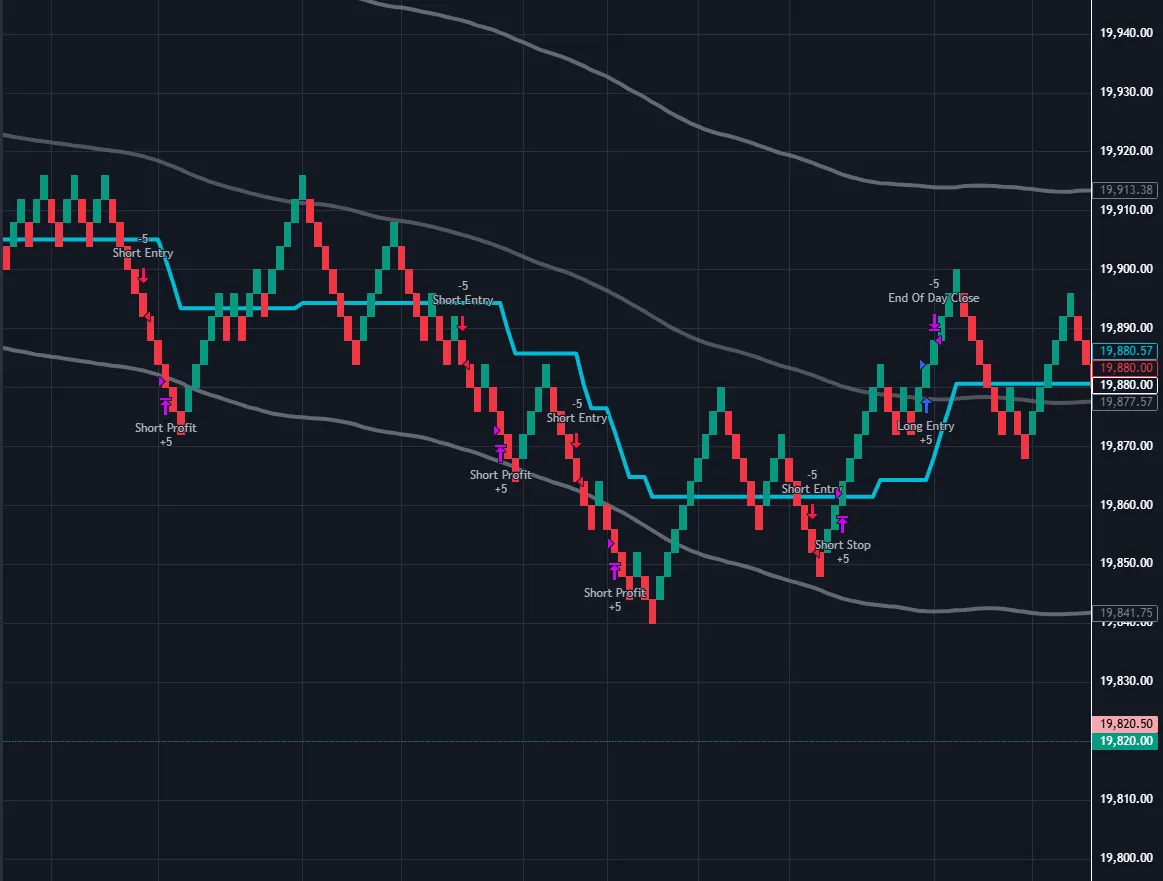
Built for choppy or consolidating markets — catch fast scalps on NQ, ES & other futures with automatic position sizing.
Get access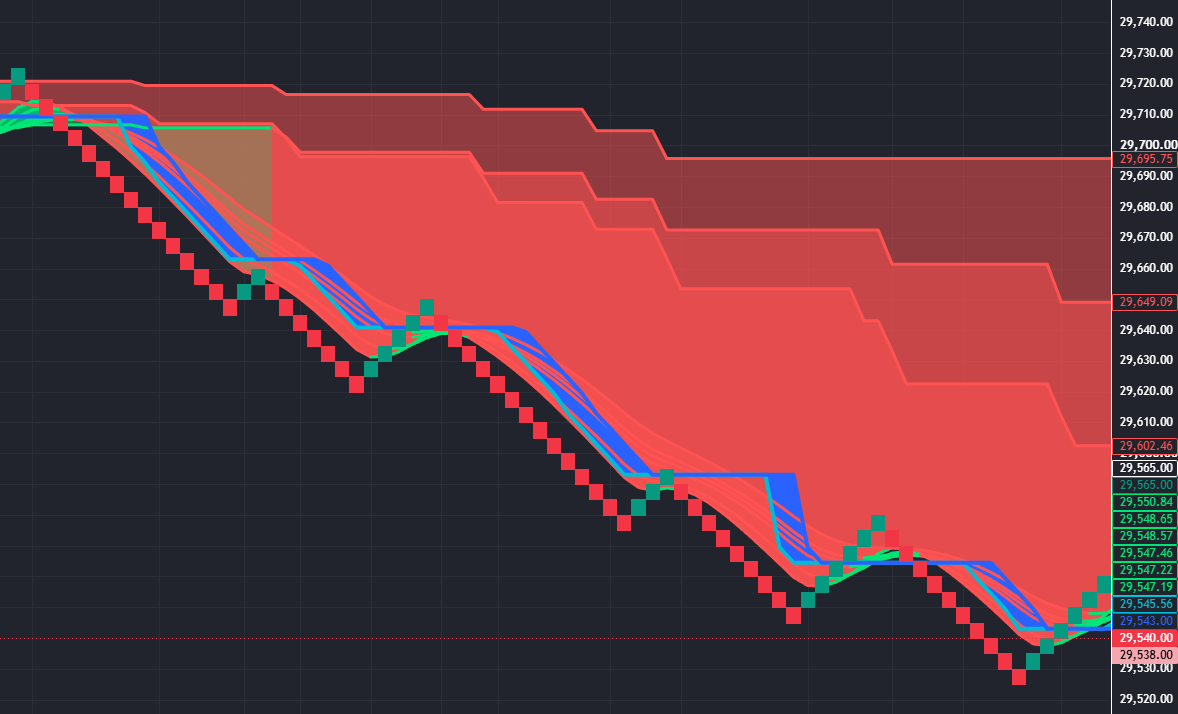
Manual trading take on our popular "Banksy" setup — key levels & confluence for intraday futures.
Get access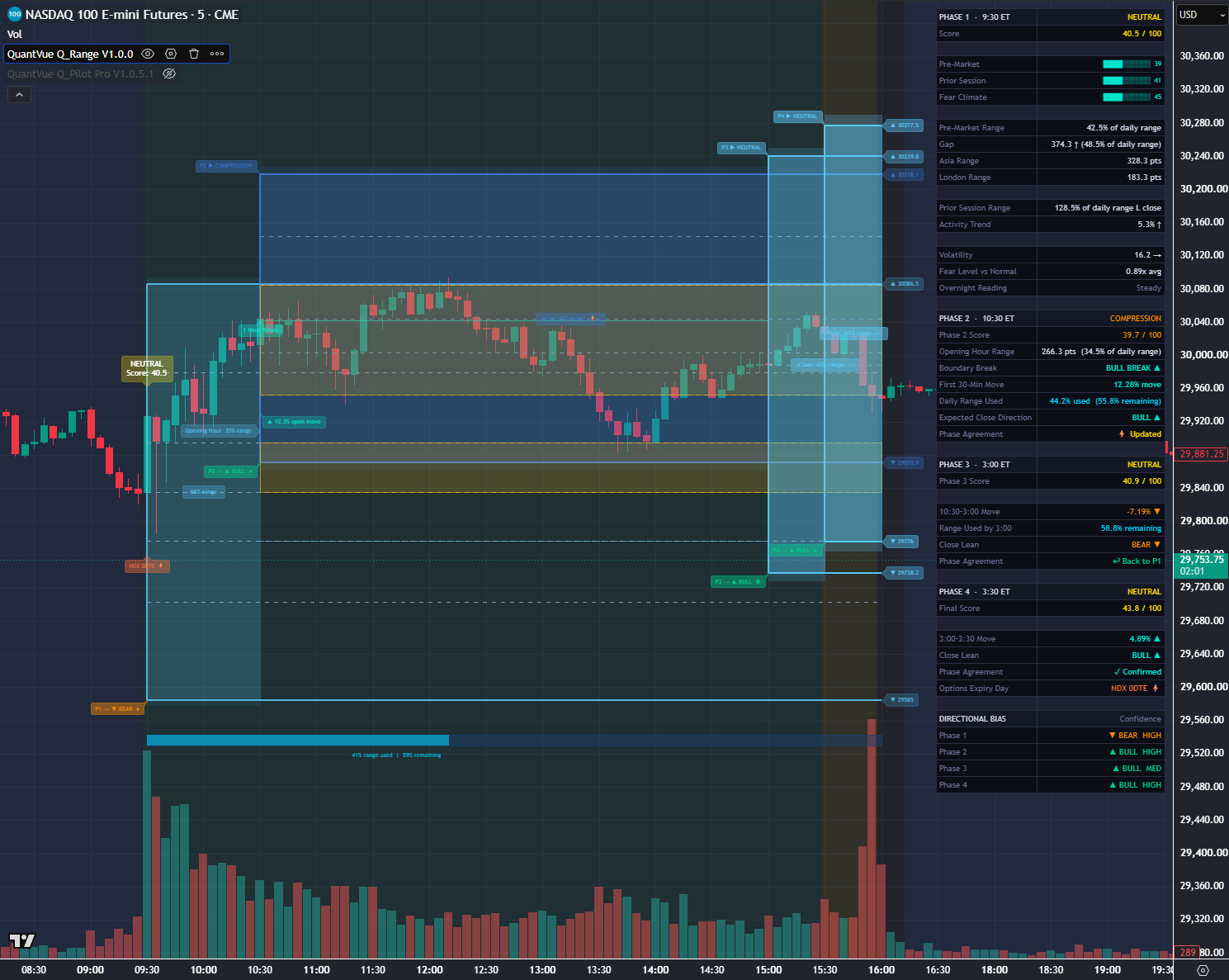
Range-detection indicator — map high-probability zones and trade breakouts or fades of the range.
Get access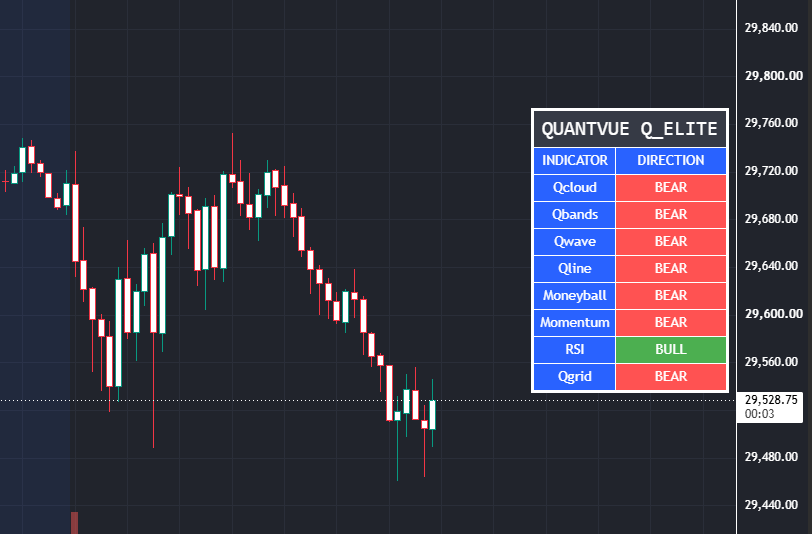
Our core signals combined in one overlay for maximum confluence.
Get access
Automated multi-signal strategy — confluence-based entries designed to adapt across market conditions.
Get access
Next-generation automated portfolio algorithm to run a stack of NQ, ES, YM, RTY, exclusive to the ATS 2.0 platform.
Get access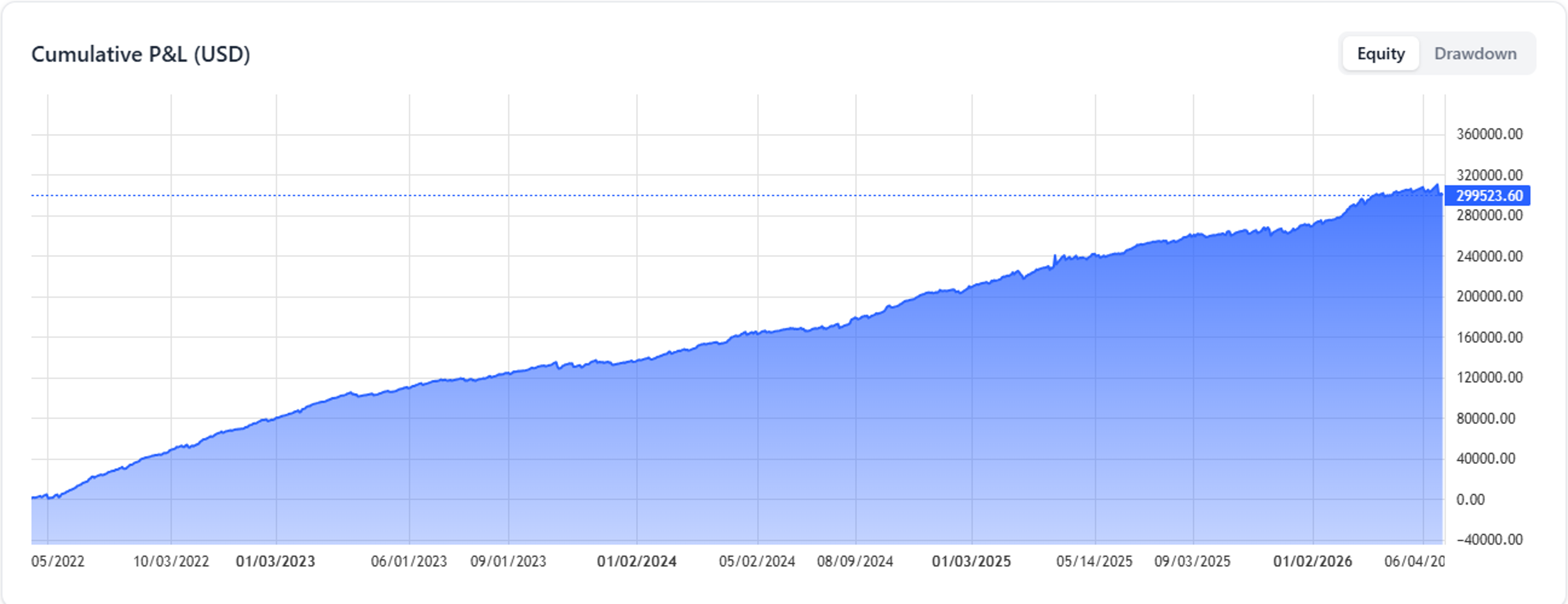
Morning-only NQ strategy running two complementary engines — Trend and Rebound — in one shared position book, every trade gated by the Direction Classifier. One position at a time, flat by 12:00 ET, never holds overnight.
Get access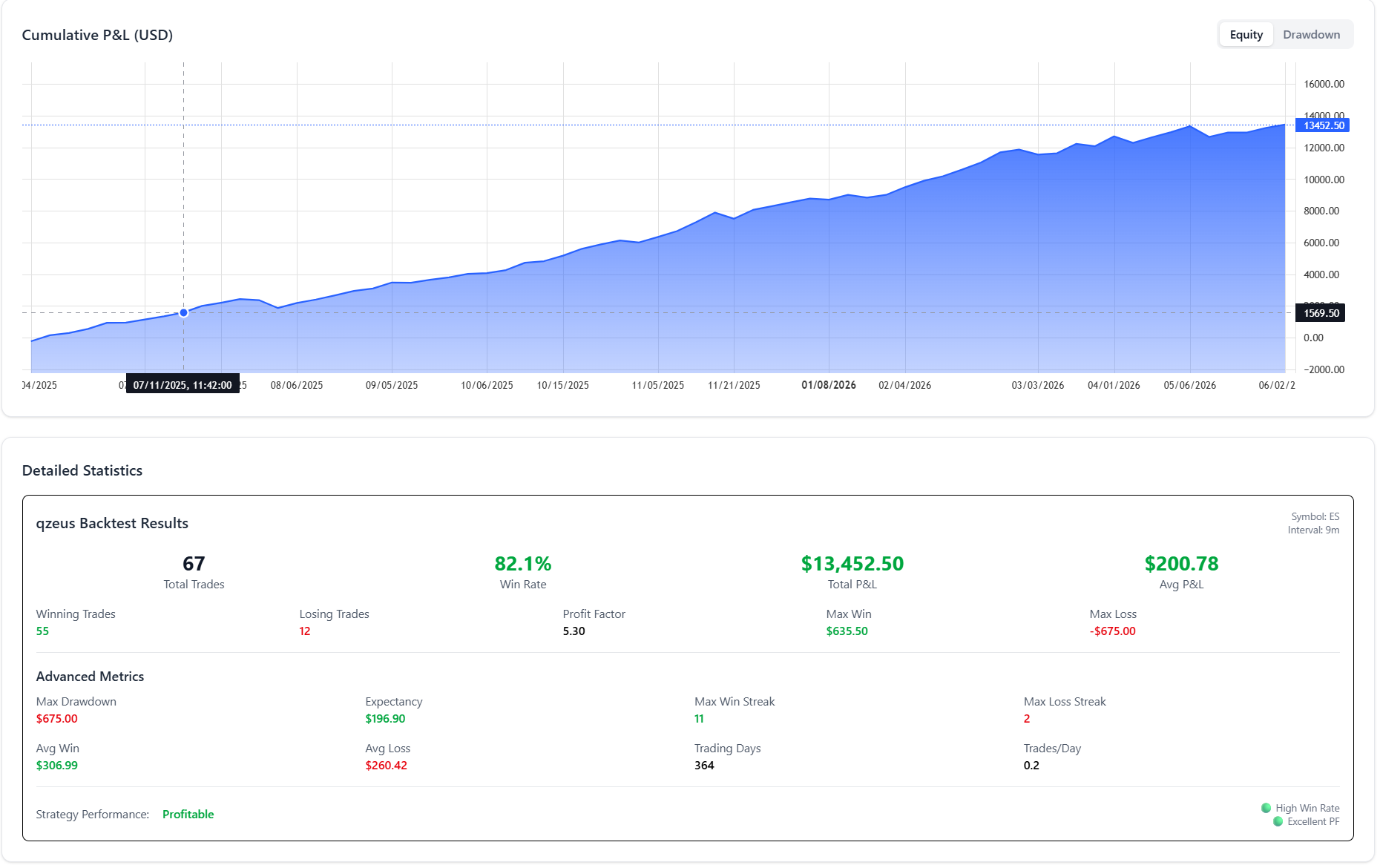
The evolved Zeus engine — rebuilt and tuned for the ATS 2.0 platform.
Get access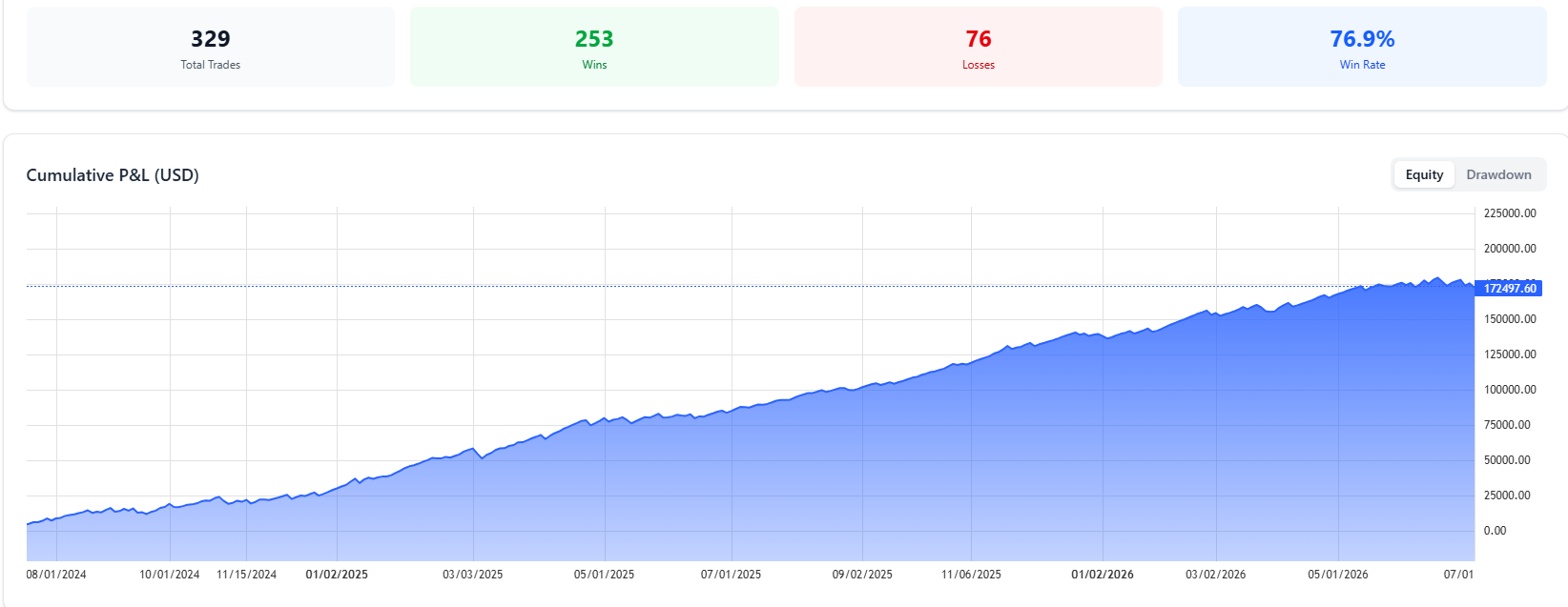
Directional opening-range breakout strategy for NQ — only takes breakouts that agree with the Direction Classifier's daily bias. One trade per direction per day, volatility-sized brackets, always flat by the close.
Get access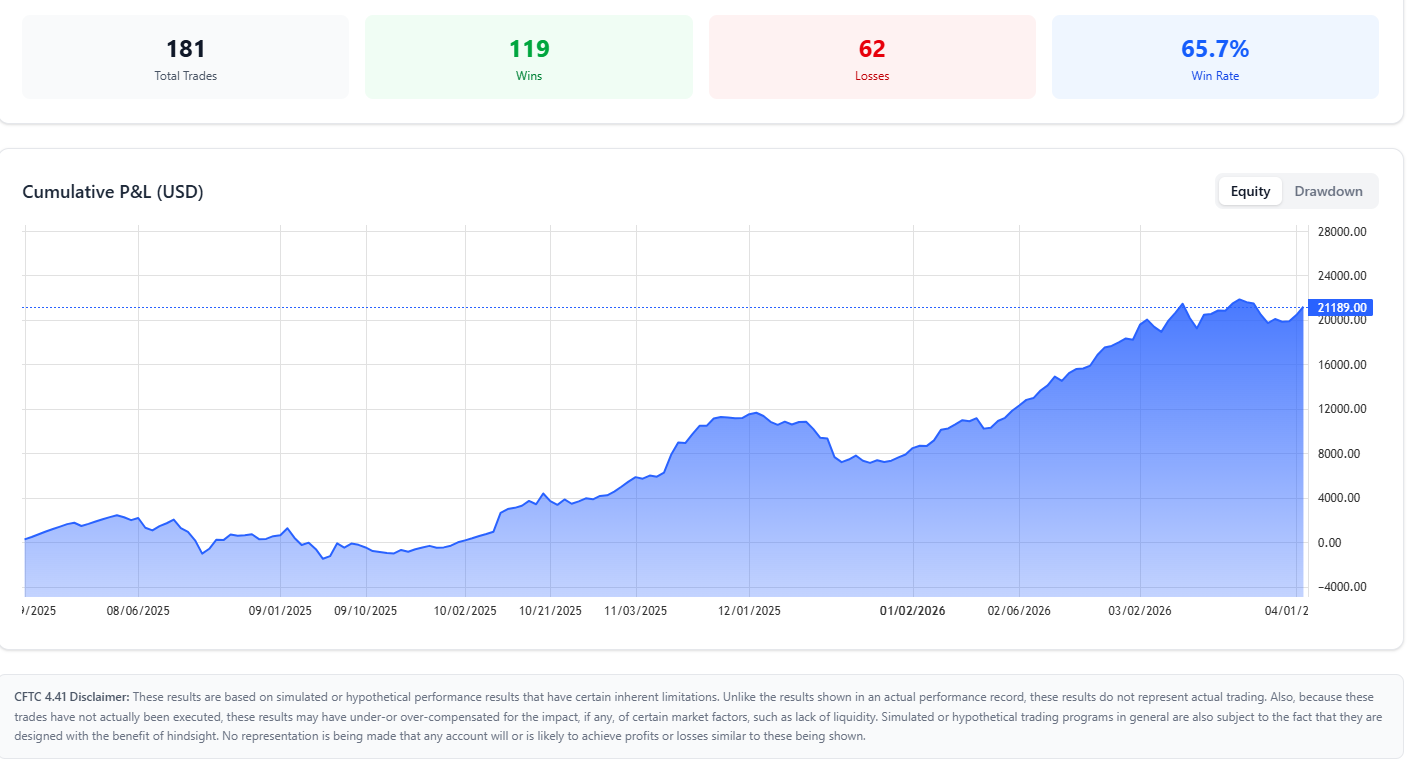
Multi-engine composite-scoring strategy for CME futures — internal trend engines vote, and trades fire only when agreement is strong enough. Two entry modes (trend confluence or volume-exhaustion fades), with optional Direction Classifier gating and confidence-based sizing.
Get access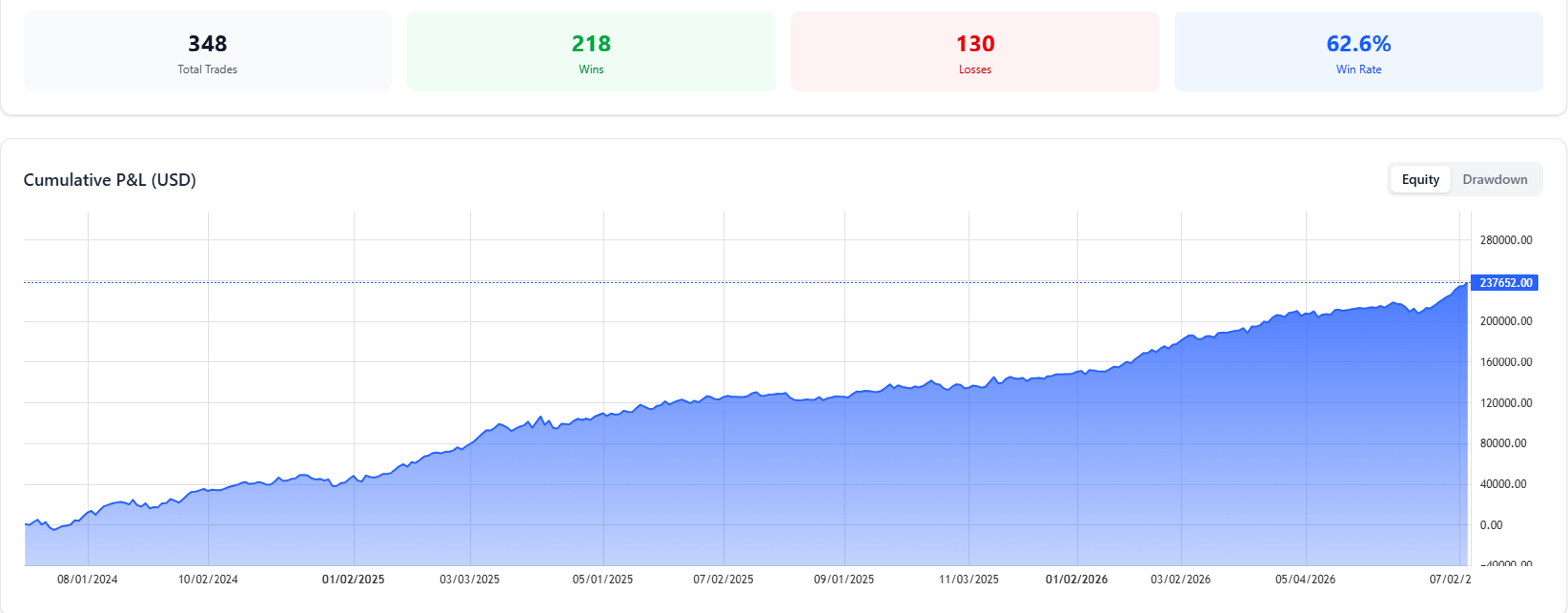
Mean-reversion NQ strategy that detects liquidity sweeps at key intraday levels using full order-book examination, then fades the sweep — gated by the Direction Classifier. One position at a time, flat before the evening session.
Get access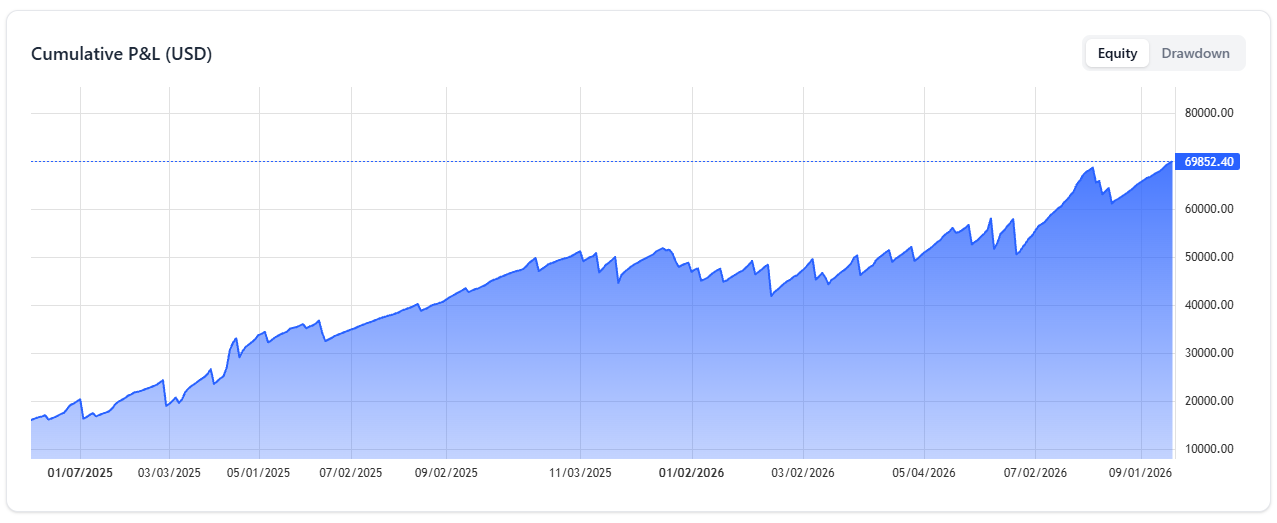
Mean-reversion NQ strategy that detects liquidity sweeps at key intraday levels using full order-book examination, then fades the sweep — gated by the Direction Classifier. One position at a time, flat before the evening session.
Get access


After check out, you will receive a Welcome Email with your login details.
Use these details to Login to our dashboard, where you'll then submit your TradingView or NinjaTrader information.
Access is granted automatically if the form is filled out properly.
If you are having issues with access being granted, please submit a support ticket here.
No. Our core system is designed for those with baseline trading knowledge and live-trading experience. Do not sign up if you're a beginner trader. Intermediate to advanced experience is recommended.
No. There is no algorithm or indicator that can accurately predict with 100% certainty the financial markets.
QuantVue is not responsible for trading losses. Past results are never indicative of future performance. Use QuantVue and trade at your own risk.
Our tools are designed for futures. However, clients can tweak our toolkit to any chart or market.
Most clients use a paid TradingView plan, and the most popular among users is TradingView premium.
You can manage your account in the "My Account" tab or submit a support ticket here and we will process your cancellation immediately!
Our monthly & yearly Pro / Elite plans are backed by a 30-day money back guarantee. If you are not 100% satisfied within 30 days from the time of purchase, you may request a full refund.
Beyond the 30-day period, all sales are final.
The 30 day money back guarantee only applies to first time customers. If you have used our system or had a plan in the past, you are not eligble for a refund. This means if you have used the PRO plan in the past and sign up for ELITE at a later date, you will not be elgible for the refund guarantee and vice versa.
This refund policy does not apply to our ATS program.
See our full refund policy here.
There is a separate money back guarantee for the ATS Program. The ATS refund policy has certain conditions that must be met to receive a full refund.
See our full ATS refund policy here.
The Elite Plan on it's own does not automate into cash or prop firm accounts.
If you want to automate our tools into cash or prop accounts, you can do so via our alert connector QuantLynk here.
Keep in mind QuantLynk is detectable by prop firms, so we recommend using an automation-friendly prop firm.
To automate our tools into prop account undetected, we recommend our ATS Program here.
No. There is no free trial on the ATS program.

