

Some platforms have an optimize button, others have interesting Chrome extensions. NinjaTrader has one. TradingView users run it by hand across inputs or with a script. There are genetic optimizers, walk-forward optimizers, and people selling "optimized settings" for strategies they didn't write. The word sounds like engineering. It sounds like the strategy got better. It didn't. It got fitted. And that means it probably got worse.
An optimizer does one thing. It runs the strategy once per combination of inputs, scores each run, and hands you the combination with the highest score. It's a grid search, in other words. That's the whole machine. The score was measured on one sample of history. The highest score in a sample belongs to the combination where the settings happened to line up with noise in the markets. So the optimizer's answer is, by construction, the single most noise-dependent point in the whole space. You asked it for the most overfit setting it could find and it found it.
Week two gave you the number for this. Run a hundred combinations on pure noise and the best one has a Sharpe that looks tradeable. The optimizer is a machine for producing the best of N. Then it reports the best of N on a results tab as if it were a measurement of the strategy, with no mention of N. A stop, a target, a lookback, a threshold, a time window. Five inputs at ten values each is a hundred thousand backtests. Nobody runs a hundred thousand backtests, so the genetic optimizer runs a few thousand of them, converges on something, and tells you it found the answer. It found the best of a few thousand. Deflate accordingly, and most of the time there's nothing left.
This is why we run a deflated Sharpe ratio. I penalize myself every time I have to take another guess at proper settings. If I had to run a grid search with 20,000 combinations it's almost certain that the result would be overfitted and a DSR would tell me that. NT doesn't have a DSR.
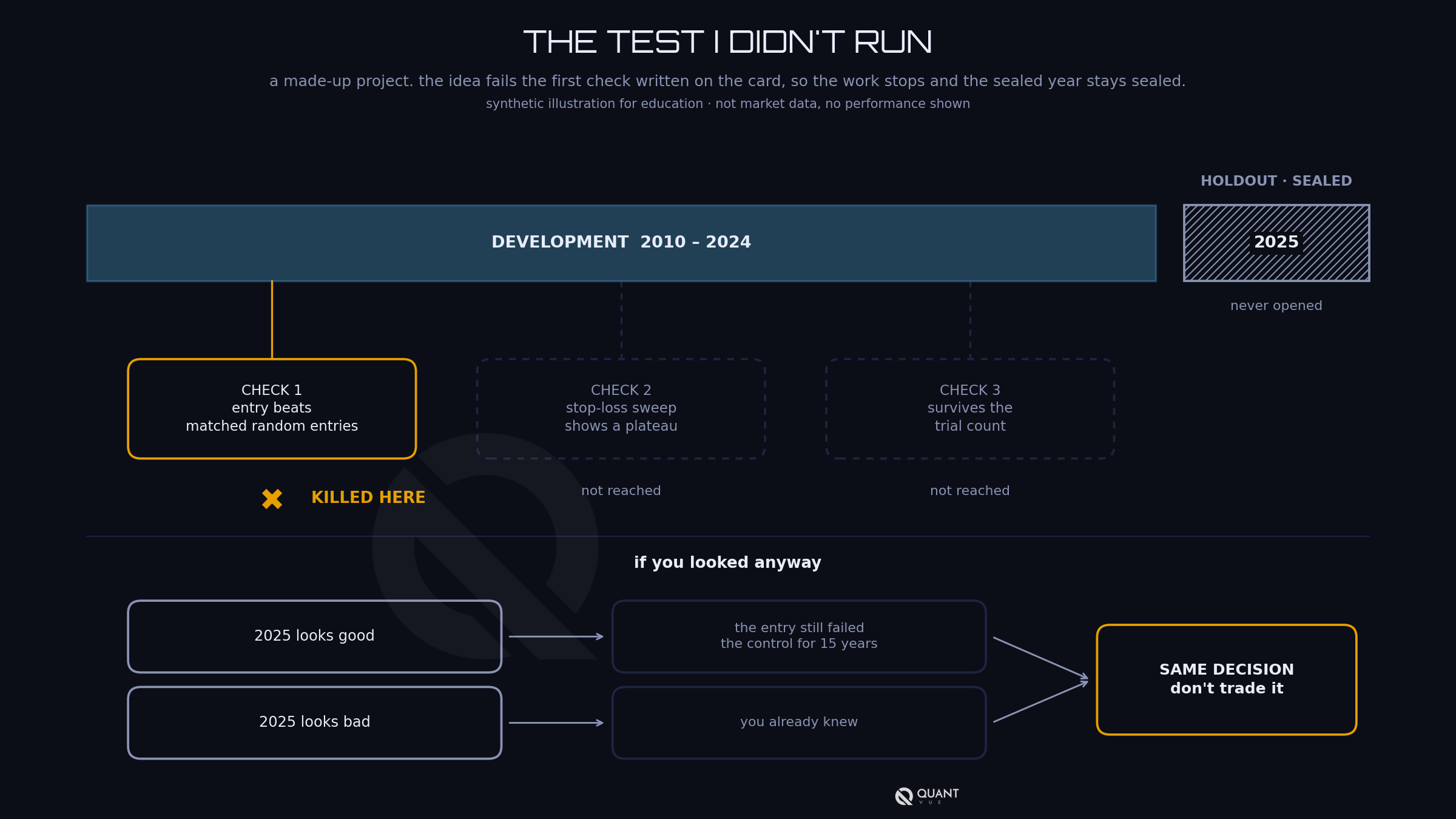
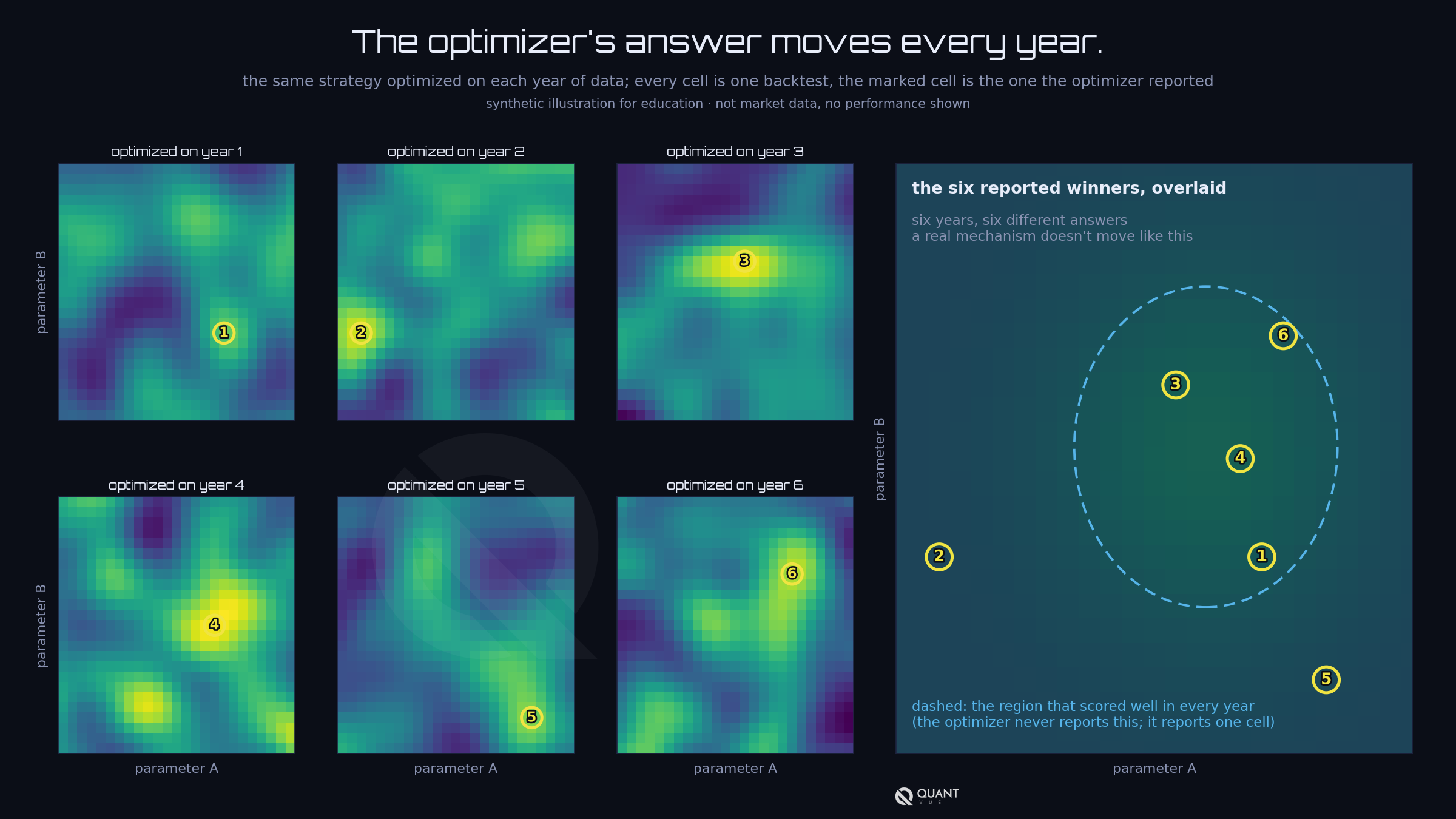
A test you can run tonight. Optimize on one year of data and write the winning settings down. Now optimize on the next year. If the winner moved, the first winner was noise, because a real mechanism doesn't change its settings significantly every January first. Do it for every year you have and plot where the winner landed each time. The peaks jump around the grid. That picture is the difference between a strategy and a fit, and the optimizer will never show it to you, because it only ever reports one cell.
Walk-forward optimization gets sold as the fix. It re-optimizes on each window and trades the next window on the result. It's honest about one thing, it reports the out-of-sample. What it doesn't fix is the optimizing. You've traded one overfit point for a chain of them. Walk-forward is important and useful, but not when combined with grid searches.
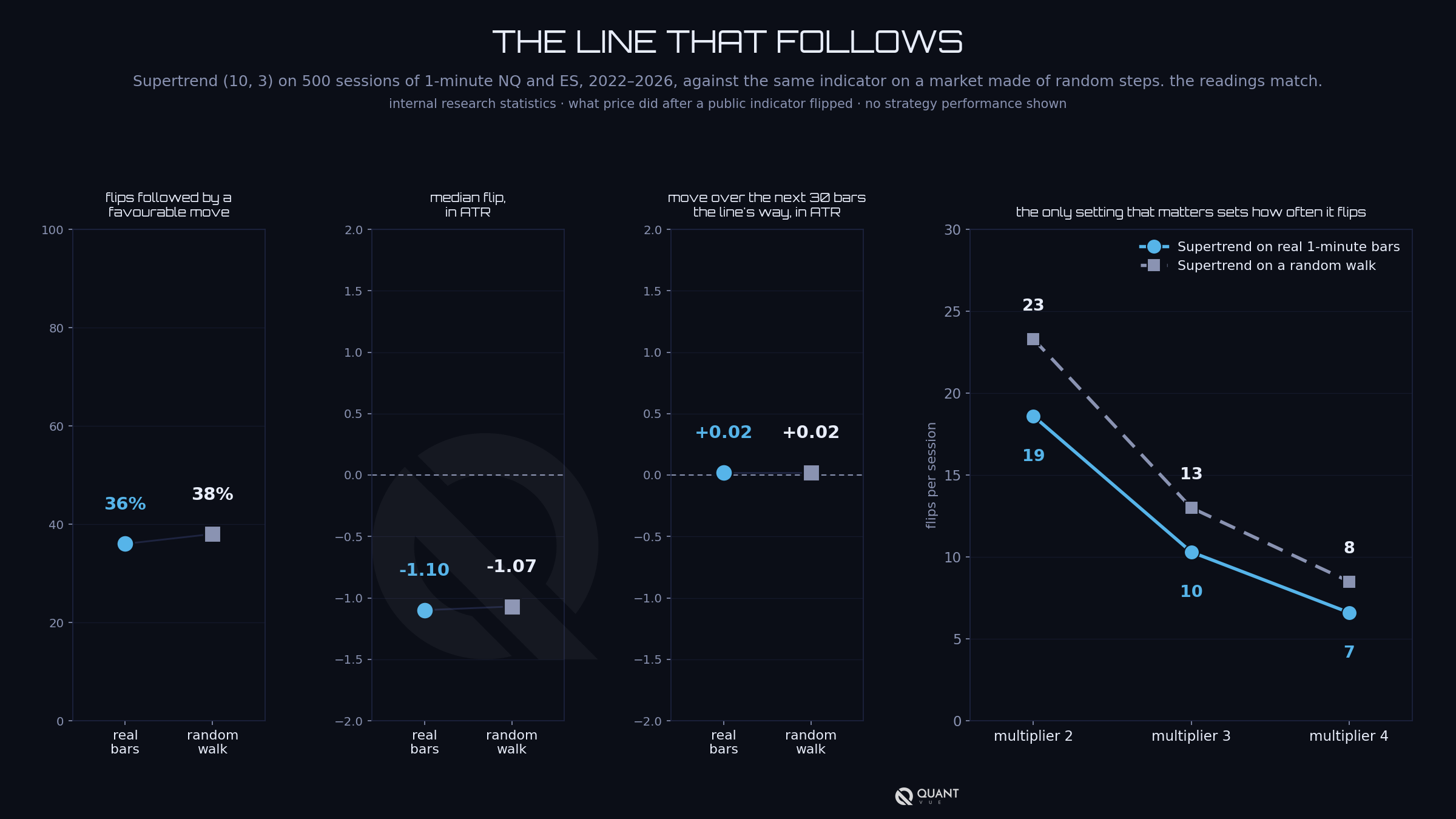
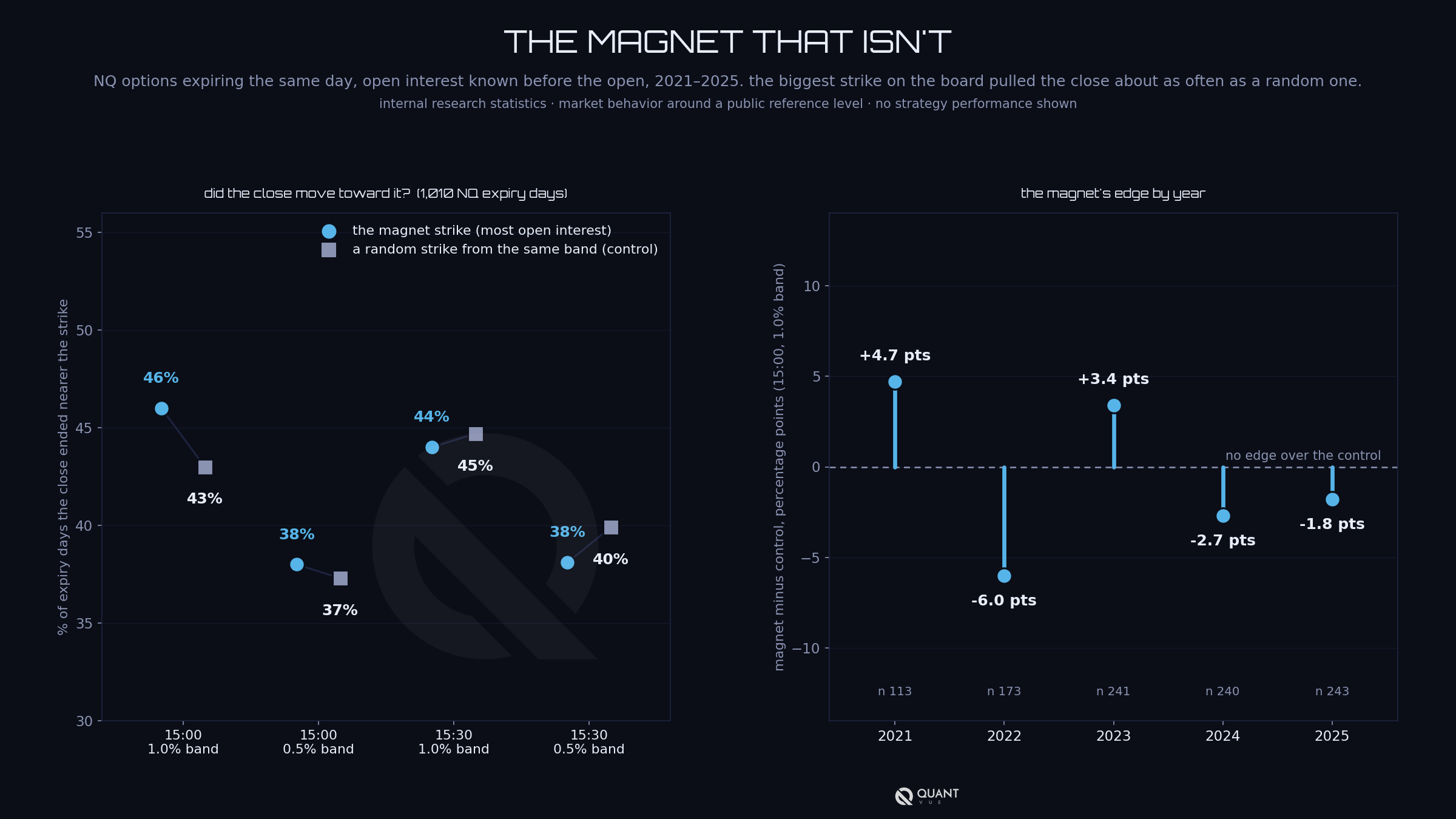
So don't optimize. Characterize. The sweep lessons already showed how. Run the inputs across a range and look at the shape of the surface. You're looking for a region where the results are good and stable, and you pick from inside that region, toward its stable side, never at its peak. Then throw the peak away. The number the optimizer reports as best is the one number you must never trade. It is the point on the surface with the shortest lifespan... and it's usually DOA.
That's also why I don't touch settings more than twice a year. A sweep's output is a region, and the setting I run sits in the middle of it. When the scheduled re-run comes around, the question is whether the region is still there. If it is, nothing changes. If it has moved, the strategy has a problem the settings can't fix, and chasing it with a re-optimization is how you end up fitting last quarter.
"If it ain't broke, don't fix it." Trying to fix things that aren't broke (as far as strategy settings go) is how we end up digging ourselves a nice little hole to failure.
Friday is about the other half of running an algo, the half that has nothing to do with settings.
This lesson was originally sent to the Algo Creator School email list on October 7, 2026. New lessons go out by email regularly. Join the list at quantvue.io.
Educational content only, not financial advice. Futures trading involves substantial risk of loss and is not suitable for all investors. Individual results vary, and past performance, actual or simulated, does not guarantee future results.


After check out, you will receive a Welcome Email with your login details.
Use these details to Login to our dashboard, where you'll then submit your TradingView or NinjaTrader information.
Access is granted automatically if the form is filled out properly.
If you are having issues with access being granted, please submit a support ticket here.
No. Our core system is designed for those with baseline trading knowledge and live-trading experience. Do not sign up if you're a beginner trader. Intermediate to advanced experience is recommended.
No. There is no algorithm or indicator that can accurately predict with 100% certainty the financial markets.
QuantVue is not responsible for trading losses. Past results are never indicative of future performance. Use QuantVue and trade at your own risk.
Our tools are designed for futures. However, clients can tweak our toolkit to any chart or market.
Most clients use a paid TradingView plan, and the most popular among users is TradingView premium.
You can manage your account in the "My Account" tab or submit a support ticket here and we will process your cancellation immediately!
Our monthly & yearly Pro / Elite plans are backed by a 30-day money back guarantee. If you are not 100% satisfied within 30 days from the time of purchase, you may request a full refund.
Beyond the 30-day period, all sales are final.
The 30 day money back guarantee only applies to first time customers. If you have used our system or had a plan in the past, you are not eligble for a refund. This means if you have used the PRO plan in the past and sign up for ELITE at a later date, you will not be elgible for the refund guarantee and vice versa.
This refund policy does not apply to our ATS program.
See our full refund policy here.
There is a separate money back guarantee for the ATS Program. The ATS refund policy has certain conditions that must be met to receive a full refund.
See our full ATS refund policy here.
The Elite Plan on it's own does not automate into cash or prop firm accounts.
If you want to automate our tools into cash or prop accounts, you can do so via our alert connector QuantLynk here.
Keep in mind QuantLynk is detectable by prop firms, so we recommend using an automation-friendly prop firm.
To automate our tools into prop account undetected, we recommend our ATS Program here.
No. There is no free trial on the ATS program.